
One Network, Three Worlds: How Cisco Meraki Keeps Business, Guest, and IoT Traffic Safely Separated
Running everything on a flat network is one of the biggest security risks businesses overlook. Here's how Cisco Meraki makes network segmentation simple — no CLI, no contractors, just a few clicks in the dashboard.
Ready to buy Cisco Meraki?
Get a custom quote from our specialists in under 4 hours.
Your business network has one serious problem you might not know about: every device on it can probably talk to every other device. The laptop your guest is using in your lobby? It sits on the same flat network as your point-of-sale system, your file server, and your employee workstations. One compromised device — an infected laptop, a rogue IoT gadget, a visitor who knows more than they should — and the entire network is exposed.
This is the core security failure of the traditional flat network, and it's exactly the problem Cisco Meraki is built to solve. With Meraki's cloud-managed platform, splitting your network into secure, isolated segments takes minutes in the dashboard — no complex CLI commands, no physical rewiring, no specialist contractor required.
"Over 85% of enterprise networks already use VLANs to segment traffic — and the businesses that haven't yet are carrying risk they can't see. A breach on a guest device shouldn't become a breach on your payroll server. Network segmentation is how you guarantee it won't."
— Network Security Industry Analysis, 2025
The Problem With a Flat Network
A flat network is exactly what it sounds like: one big network where every device can see every other device. It's simple to set up, which is why so many small businesses default to it — but simple isn't the same as safe.
In a flat network:
- ✓ A guest using your Wi-Fi can attempt to access your internal file shares
- ✓ An IoT device (thermostat, printer, camera) can be used as a pivot point into your business systems
- ✓ A single malware infection can spread laterally across every device on the network
- ✓ You may fail PCI or HIPAA compliance audits if your payment or patient data traffic isn't properly isolated
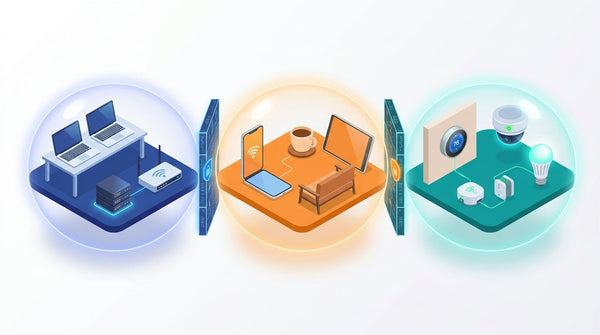
Network segmentation solves all of this by creating virtual walls between different groups of users and devices. Even if they share the same physical hardware — the same switches and access points — each group lives in its own isolated world.
The Three Networks Every Business Needs
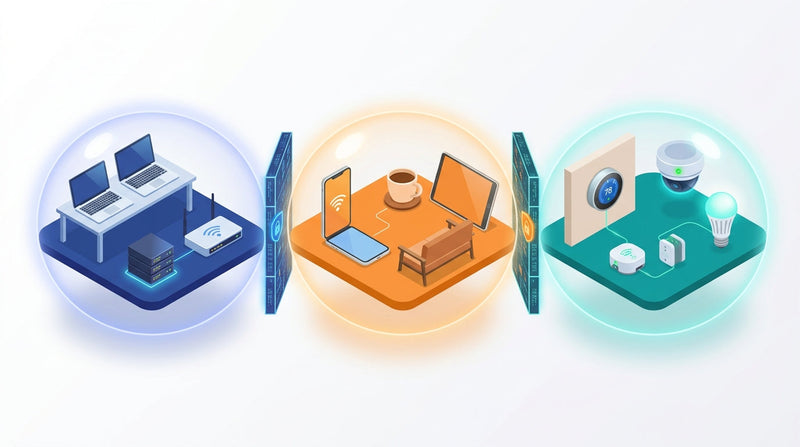
Modern businesses typically need at least three distinct network segments. Here's how to think about them:
1. Business / Internal Network
This is your core network for company-owned devices: laptops, desktop workstations, servers, printers, and internal applications. It should be the most locked-down segment — employees who need full access get in, everyone else stays out.
2. Guest Wi-Fi Network
Visitors, clients, and contractors need internet access — but they have no business touching your internal systems. A dedicated guest VLAN provides internet-only connectivity, completely isolated from your business network. Cisco Meraki makes it trivial to add a branded splash page (captive portal) so guests accept your terms of service before connecting.
3. IoT / Device Network
Smart TVs, thermostats, IP cameras, printers, badge readers, environmental sensors — these devices need internet access but are notoriously difficult to patch and easy to compromise. Keeping them on their own isolated VLAN means a hacked thermostat can't become a gateway into your business data.
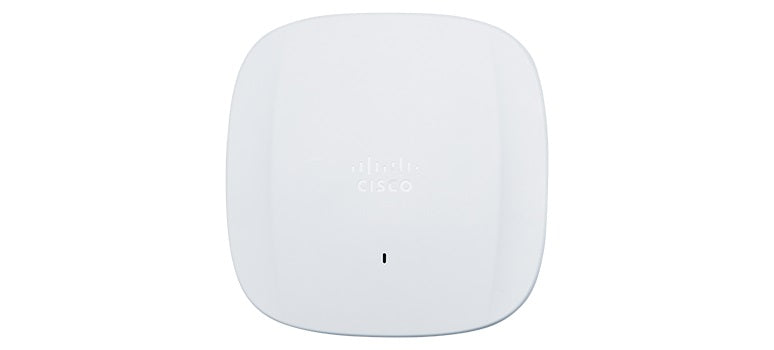
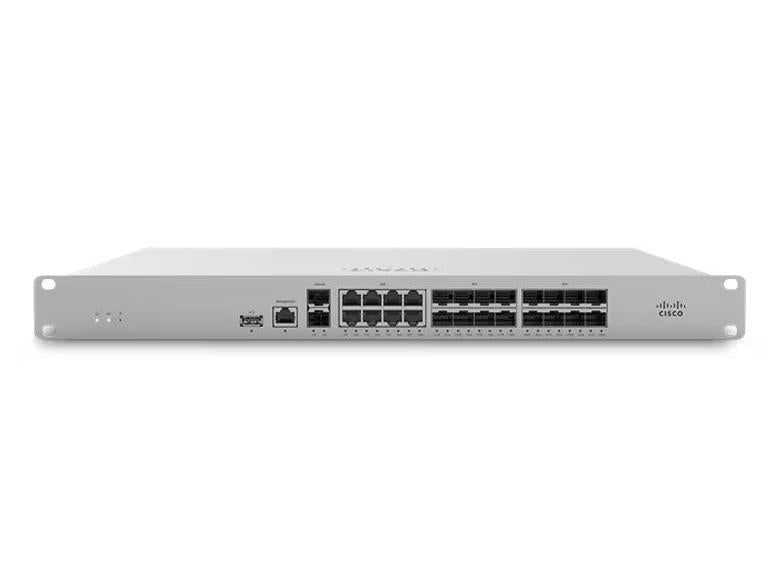
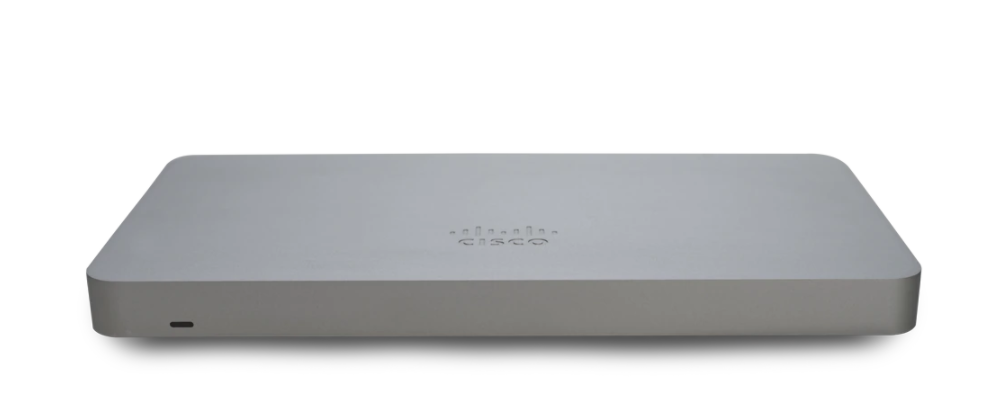
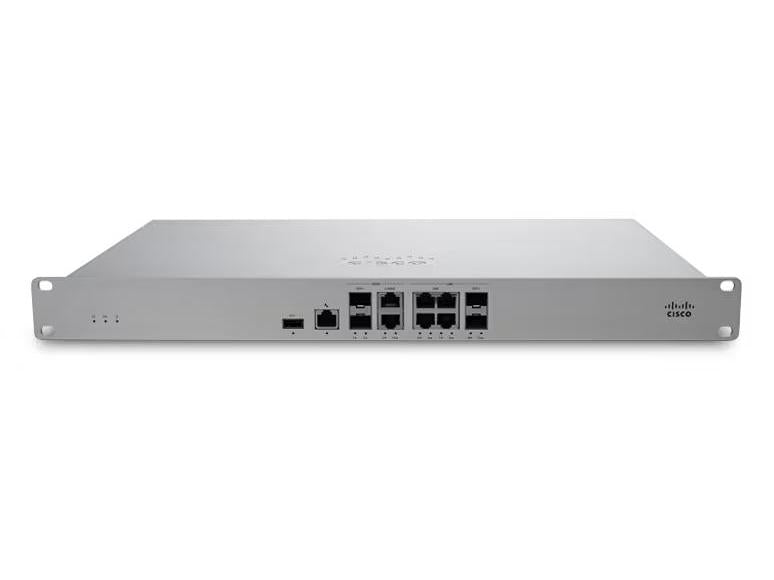
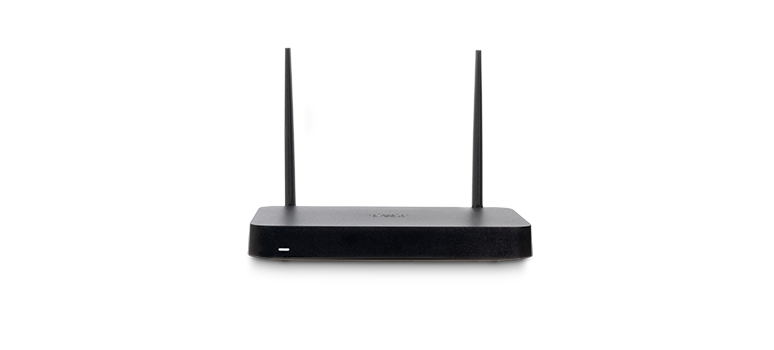
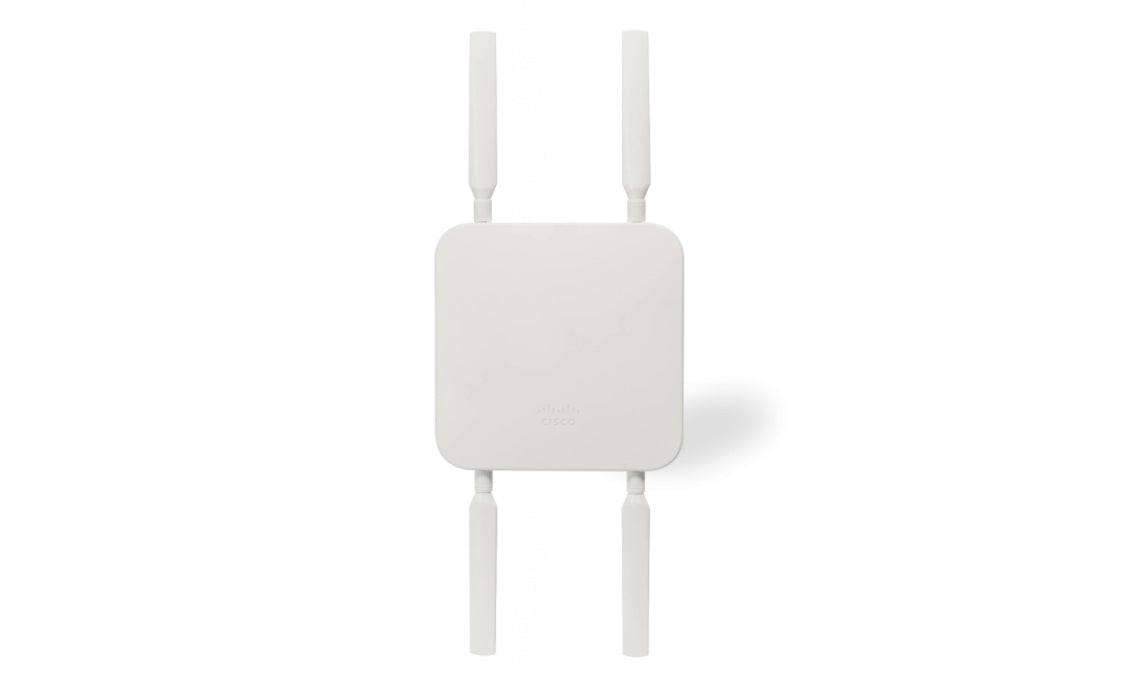
With Cisco Meraki MX Security Appliances and Meraki MR Access Points, you configure all three segments from a single cloud dashboard — and the firewall rules that keep them apart are enforced automatically.
How Meraki Makes Segmentation Simple
Traditional network segmentation required CLI-heavy switch configuration, dedicated VLAN trunking setups, and a network engineer who billed by the hour. Meraki collapses all of that into a clean web interface you can manage from anywhere.
VLAN Configuration in the Meraki Dashboard
In the Meraki dashboard, you define your VLANs under Security & SD-WAN → Addressing & VLANs. Assign each VLAN a name, an ID, and an IP range. The dashboard handles the routing logic automatically — no manual trunk port configuration required on Meraki switches.
SSID-to-VLAN Mapping
Each wireless SSID on your Meraki access points can be assigned to a specific VLAN. So "CompanyWi-Fi" goes to your internal VLAN, "GuestWi-Fi" goes to the isolated guest VLAN, and "IoT-Devices" goes to the IoT VLAN. The access points tag traffic at the point of connection, ensuring it lands in the right segment before it ever hits your switch.
NAT Mode for Guest Networks
For guest networks, Meraki's NAT mode is ideal. The access point itself acts as the DHCP server for guests, assigning them IP addresses from a private range that is completely unreachable from your internal network. This creates an instant, hardware-level layer of separation with zero manual firewall configuration.
Layer 7 Firewall Rules
For more granular control, Meraki's built-in Layer 7 firewall lets you define rules on a per-SSID basis. You can block IoT devices from initiating connections to anything except specific internet addresses, prevent guest devices from reaching your local subnet, and apply content filtering to any segment — all without touching a command line.
- ✓ Rules apply per-SSID, not globally — so changes to guest rules don't affect your internal network
- ✓ Layer 7 application awareness lets you block categories like P2P, streaming, or social media on specific segments
- ✓ Bandwidth throttling per SSID ensures guest traffic can't consume the bandwidth your team needs
- ✓ All rules are enforced in real time and synced across every AP at every location
Real-World Benefits: Security, Compliance, and Performance
Network segmentation isn't just a cybersecurity best practice — it delivers measurable business benefits across three dimensions:
Breach Containment
If an attacker compromises a device on your guest network, they're contained to that segment. They can't reach your file server, your accounting software, your employee computers, or your POS terminals. Segmentation turns a potential catastrophic breach into a minor, contained incident.
Compliance Readiness
PCI DSS requires payment card data to be isolated from other network traffic. HIPAA requires similar protections for patient health information. With Meraki's VLAN segmentation, you can create compliant network segments and demonstrate the isolation to auditors — all from the dashboard's built-in traffic analytics and reporting.
Network Performance
On a flat network, every device sees every broadcast message — creating background noise that consumes bandwidth and slows everyone down. VLANs dramatically reduce broadcast traffic by containing it within each segment. Studies have shown that implementing VLANs on a previously flat network can reduce internal broadcast traffic by up to 73%, resulting in faster, more reliable connections for everyone.
Centralized Management Across All Locations
Whether you have one office or twenty, the same VLAN policies and firewall rules deploy automatically to every Meraki switch and access point on your network. Add a new location? It inherits your entire segmentation policy the moment it checks into the Meraki cloud. No site visits, no manual configuration, no risk of a technician missing a rule on a single switch.
This is what makes Meraki especially powerful for growing businesses — the architecture scales with you without adding management complexity.
Getting Started: What You Need
A complete Meraki segmentation setup for a typical SMB requires three components working together:
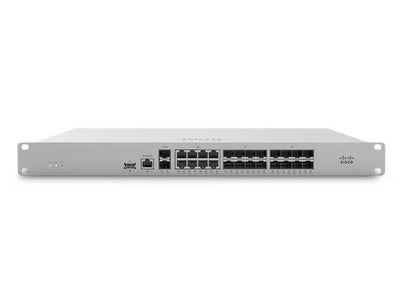
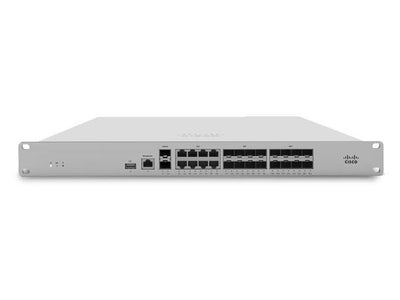
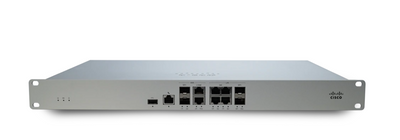
- ✓ Meraki MX Security Appliance — the network's brain; handles routing between VLANs and enforces your firewall policies
- ✓ Meraki MR Access Points — broadcast your segmented SSIDs and tag wireless traffic to the correct VLAN
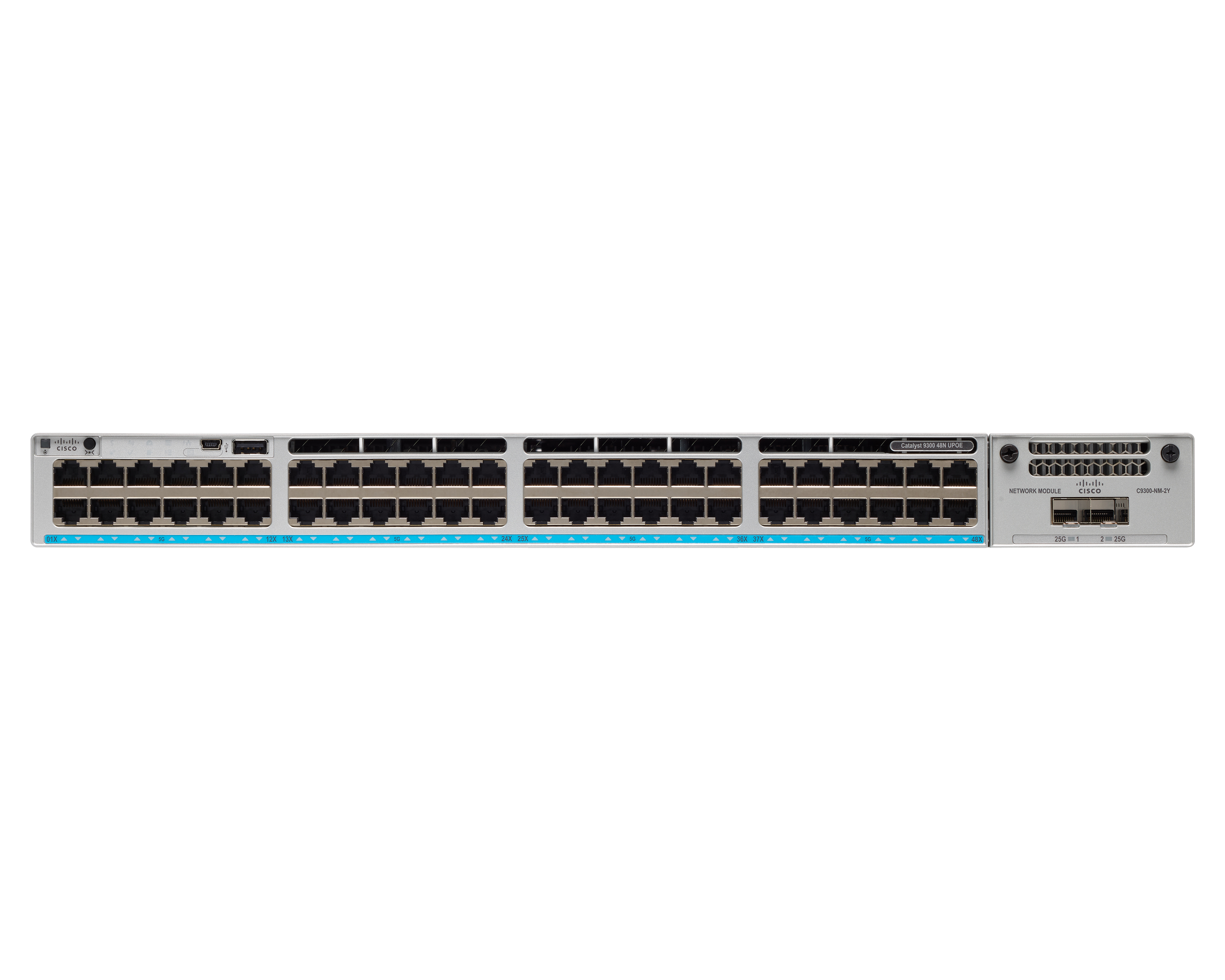
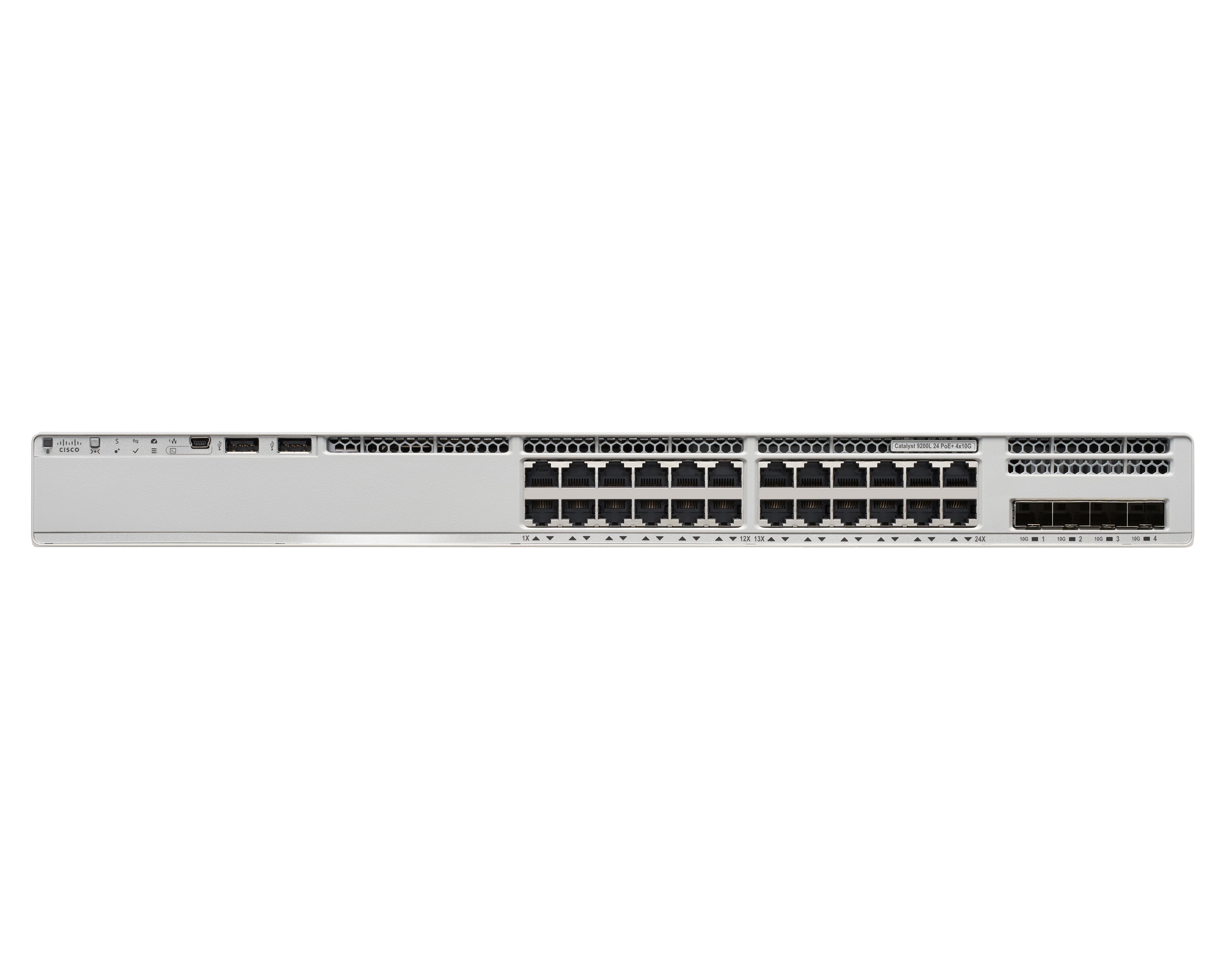
- ✓ Meraki MS Switches — carry tagged VLAN traffic between your APs, MX, and wired devices; auto-trunked in the Meraki dashboard
All three are managed from a single Meraki Dashboard login — no separate management software, no on-premise controllers, no licensing per feature. Just a clean, unified view of your entire segmented network, from anywhere in the world.
Ready to stop running your business on a flat network and start operating a segmented, secure infrastructure? Novbox can design and deploy your complete Meraki network segmentation setup — from VLAN planning to live configuration across all your locations. Contact us to get started, or explore the full Meraki security lineup below.
Since deploying Meraki security appliances, we have blocked over 10,000 threats per month automatically. Our team sleeps better at night knowing the network defends itself.
Why Businesses Trust Meraki Security
Enterprise-grade threat protection that deploys in minutes and manages itself from the cloud.
Advanced Threat Protection
Next-gen firewall with intrusion detection, malware filtering, and Cisco Talos threat intelligence built into every MX appliance.
Learn More ›Automated VPN
Site-to-site and client VPN configured in clicks, not hours. Auto VPN creates secure tunnels between locations with zero manual configuration.
Learn More ›Content Filtering
Granular web filtering, geo-IP blocking, and application-layer controls keep your network safe and compliant without extra hardware.
Learn More ›The Power of the Meraki Dashboard
At the heart of Cisco Meraki is an intuitive cloud dashboard that unifies wireless, switching, security, and IoT management into a single view. IT teams can manage their entire distributed infrastructure from anywhere.
- Real-time visibility into network health and client connectivity
- AI-powered analytics that predict issues before they impact users
- Automated firmware updates and security patching
- Role-based access control and audit logging

We replaced three separate security vendors with one Meraki MX appliance per site. Simpler to manage, better protection, and half the cost.
Featured Security Products
Protect your network with these Cisco Meraki security appliances.
Seamless Integration with Your IT Stack
Meraki works alongside the collaboration, security, and productivity tools your team depends on.
- VPN integration with major identity providers
- SAML and RADIUS authentication support
- MDM and endpoint management compatibility
- Open APIs for custom automation workflows
Ready to simplify your network?
Discover how Cisco Meraki cloud-managed networking can transform your business IT infrastructure.
Contact Us