
Meraki MX Security: How Cloud-Managed Firewalls Protect Multi-Site Networks
Discover how Cisco Meraki MX security appliances combine next-gen firewall, SD-WAN, and Auto VPN into one cloud-managed platform — protecting and connecting every site from a single dashboard.
Ready to buy Cisco Meraki?
Get a custom quote from our specialists in under 4 hours.
For businesses with multiple locations, remote workers, and cloud applications, the traditional approach to WAN connectivity — expensive MPLS circuits and hardware-dependent firewalls — is no longer sustainable. Networks need to be faster, more resilient, and more secure than ever, but they also need to be manageable without a team of specialized engineers at every site.
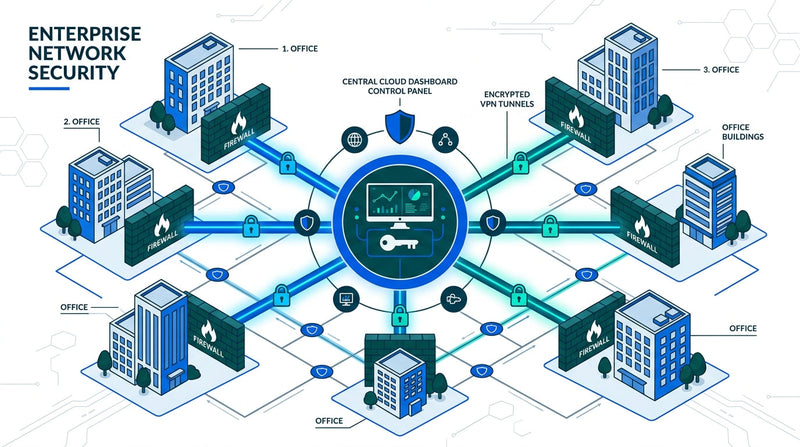
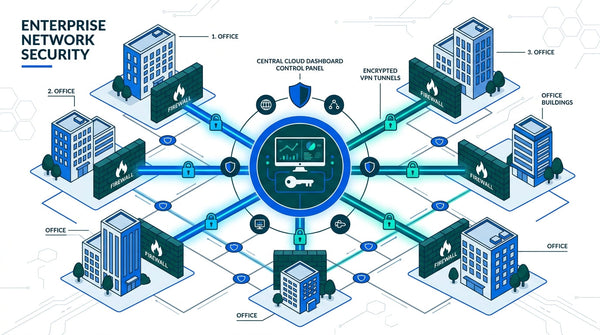
Cisco Meraki's MX security appliances solve this by combining enterprise SD-WAN, next-generation firewall, and automated VPN into a single cloud-managed platform. Every MX appliance is configured, monitored, and updated from the Meraki Dashboard — giving IT teams complete control over their entire distributed network from anywhere.
“Organizations that adopt SD-WAN report an average 40% reduction in WAN operating costs while simultaneously improving application performance and security posture across all sites.”
What Is SD-WAN and Why Does It Matter?
Software-Defined Wide Area Networking (SD-WAN) replaces traditional router-based WAN architectures with an intelligent software layer that dynamically routes traffic across multiple connection types — broadband, LTE, 5G, and MPLS — based on real-time performance metrics. Instead of sending all traffic through a single expensive circuit, SD-WAN continuously measures latency, jitter, and packet loss across every available path and makes instant routing decisions.
For businesses, this means three things: lower costs (you can supplement or replace MPLS with commodity broadband), better performance (applications automatically take the fastest path), and built-in resilience (if one link degrades, traffic seamlessly fails over to another). With Meraki, all of this is managed through a single cloud dashboard — no CLI commands, no complex configuration files.
The Meraki MX: SD-WAN Meets Next-Gen Security
What makes the Meraki MX unique is that it doesn’t force you to choose between networking and security. Every MX appliance is simultaneously an SD-WAN router, a next-generation firewall, an intrusion detection and prevention system, and a VPN concentrator. This convergence eliminates the need for separate security and networking stacks at each location.
Key security capabilities built into every MX:
✓ Next-Generation Firewall (NGFW): Layer 7 application-aware firewall policies with automatic signature updates. Identify and control thousands of applications without manual rule creation.
✓ Intrusion Detection & Prevention (IDS/IPS): Powered by Cisco Talos, one of the world’s largest threat intelligence teams. The MX automatically inspects traffic for known attack patterns and blocks threats in real time.
✓ Advanced Malware Protection (AMP): File reputation scoring and retrospective analysis catch malware that traditional signature-based detection misses. Files are analyzed against Cisco’s global threat database.
✓ Content Filtering: Granular URL and content category filtering for compliance, acceptable use policies, and safe browsing. Policies can be applied per network, per VLAN, or per user group.
✓ Geo-IP Blocking: Block or allow traffic based on geographic origin. Essential for organizations that need to restrict access from specific countries or regions for compliance reasons.
Auto VPN: Site-to-Site Connectivity in Clicks
One of the most powerful features of the Meraki MX platform is Auto VPN. Traditional site-to-site VPN configuration requires careful coordination of encryption settings, pre-shared keys, routing protocols, and firewall rules at every location. With Meraki, connecting two sites takes three clicks.
Auto VPN automatically negotiates encryption parameters, establishes IPsec tunnels, and configures routing between sites. Add a new office? Plug in an MX, assign it to your network in the dashboard, enable VPN — done. The appliance self-configures and joins your existing VPN mesh automatically. This is what Meraki calls zero-touch provisioning, and it transforms multi-site deployments from week-long projects into afternoon tasks.
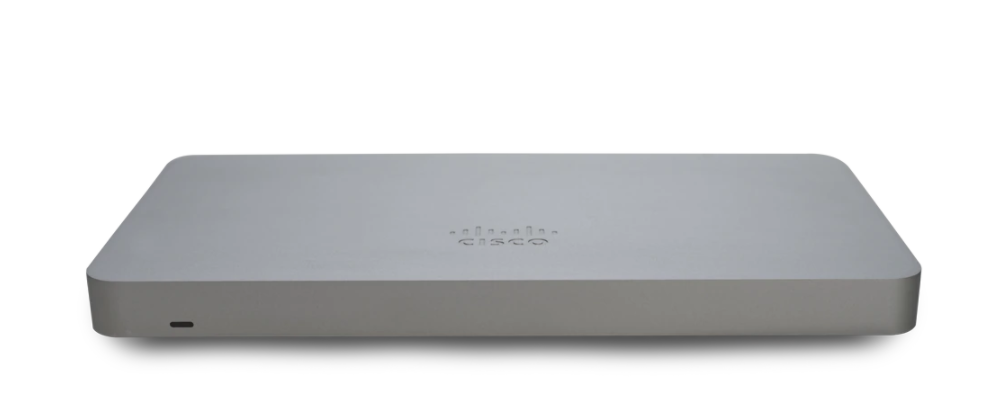
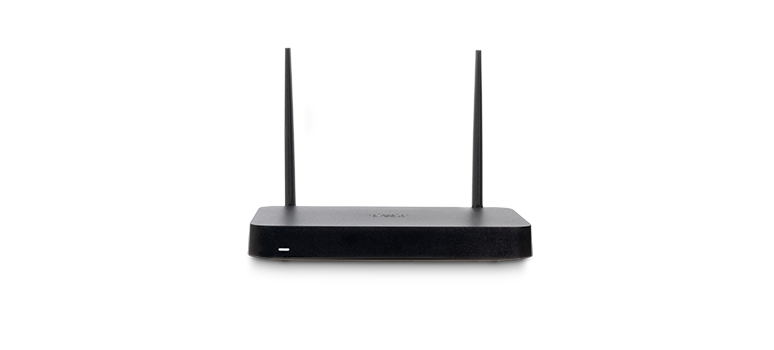
For organizations with remote workers, the MX also supports client VPN, allowing individual users to establish secure connections back to the corporate network from any location. Combined with the Meraki Z4C teleworker gateway, businesses can extend their full security stack to home offices without any user configuration.
Choosing the Right MX for Your Business
The MX lineup scales from small branch offices to large campuses and data centers:
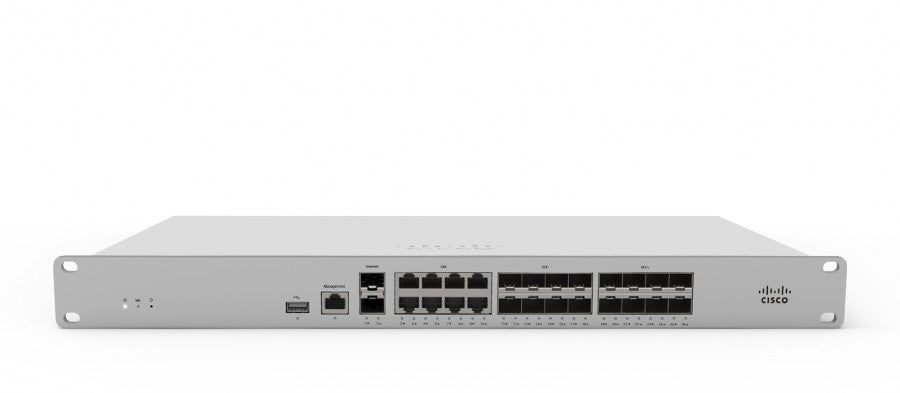
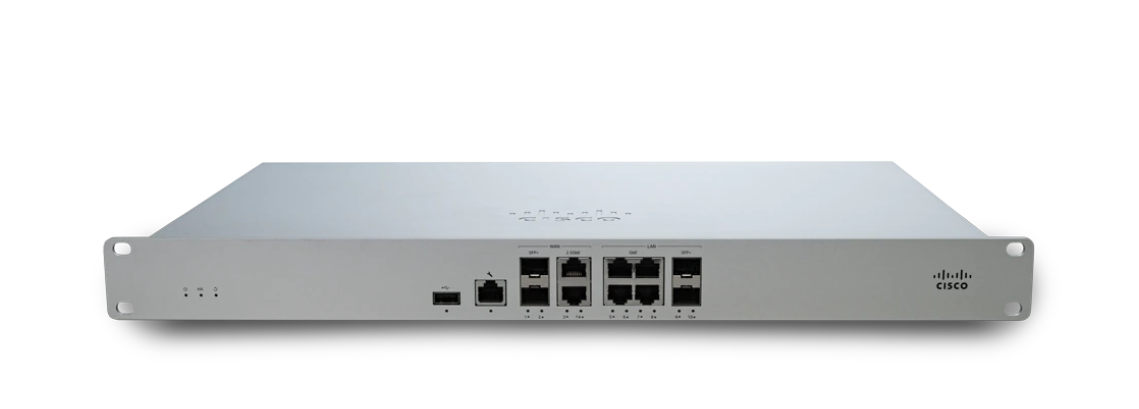
✓ MX67/MX68 Series: Small-branch appliances for up to 50 users with 700 Mbps firewall throughput. The MX67C and MX68CW variants add integrated LTE and Wi-Fi for all-in-one branch connectivity.
✓ MX75/MX85/MX95: Medium to large branch appliances handling 200-500 users with up to 2 Gbps firewall throughput. Ideal for growing offices that need room to scale.
✓ MX105/MX250/MX450: Campus and data center appliances supporting thousands of users. The MX450 delivers 6 Gbps of stateful firewall throughput for the most demanding environments.
✓ New 8111-G2-MX / 8121-G2-MX: The latest generation of small-branch secure routers, delivering 2 Gbps firewall throughput for up to 200 users — nearly 3x the performance of the MX67 series in the same form factor.
Every model includes the same complete security feature set. You don’t pay extra for firewall rules, VPN tunnels, or threat intelligence — it’s all included with the Meraki license.
Getting Started with Meraki SD-WAN Security
Deploying Meraki SD-WAN doesn’t require ripping out your existing infrastructure overnight. Many organizations start with a phased approach: deploy MX appliances at a few critical sites, establish Auto VPN between them, and gradually expand as confidence builds. The cloud management model means you can add sites at your own pace — each new appliance self-configures from the dashboard.
For businesses currently managing separate firewall and router stacks, the consolidation alone delivers immediate value. Fewer devices mean fewer points of failure, fewer licenses to manage, and fewer vendors to coordinate. Combined with SD-WAN’s ability to optimize traffic across multiple WAN links, most organizations see a measurable improvement in both security posture and application performance within weeks of deployment.
Ready to see how Meraki SD-WAN can protect and optimize your network? Contact our team for a personalized assessment of your security and connectivity needs.
Since deploying Meraki security appliances, we have blocked over 10,000 threats per month automatically. Our team sleeps better at night knowing the network defends itself.
Why Businesses Trust Meraki Security
Enterprise-grade threat protection that deploys in minutes and manages itself from the cloud.
Advanced Threat Protection
Next-gen firewall with intrusion detection, malware filtering, and Cisco Talos threat intelligence built into every MX appliance.
Learn More ›Automated VPN
Site-to-site and client VPN configured in clicks, not hours. Auto VPN creates secure tunnels between locations with zero manual configuration.
Learn More ›Content Filtering
Granular web filtering, geo-IP blocking, and application-layer controls keep your network safe and compliant without extra hardware.
Learn More ›The Power of the Meraki Dashboard
At the heart of Cisco Meraki is an intuitive cloud dashboard that unifies wireless, switching, security, and IoT management into a single view. IT teams can manage their entire distributed infrastructure from anywhere.
- Real-time visibility into network health and client connectivity
- AI-powered analytics that predict issues before they impact users
- Automated firmware updates and security patching
- Role-based access control and audit logging

We replaced three separate security vendors with one Meraki MX appliance per site. Simpler to manage, better protection, and half the cost.
Featured Security Products
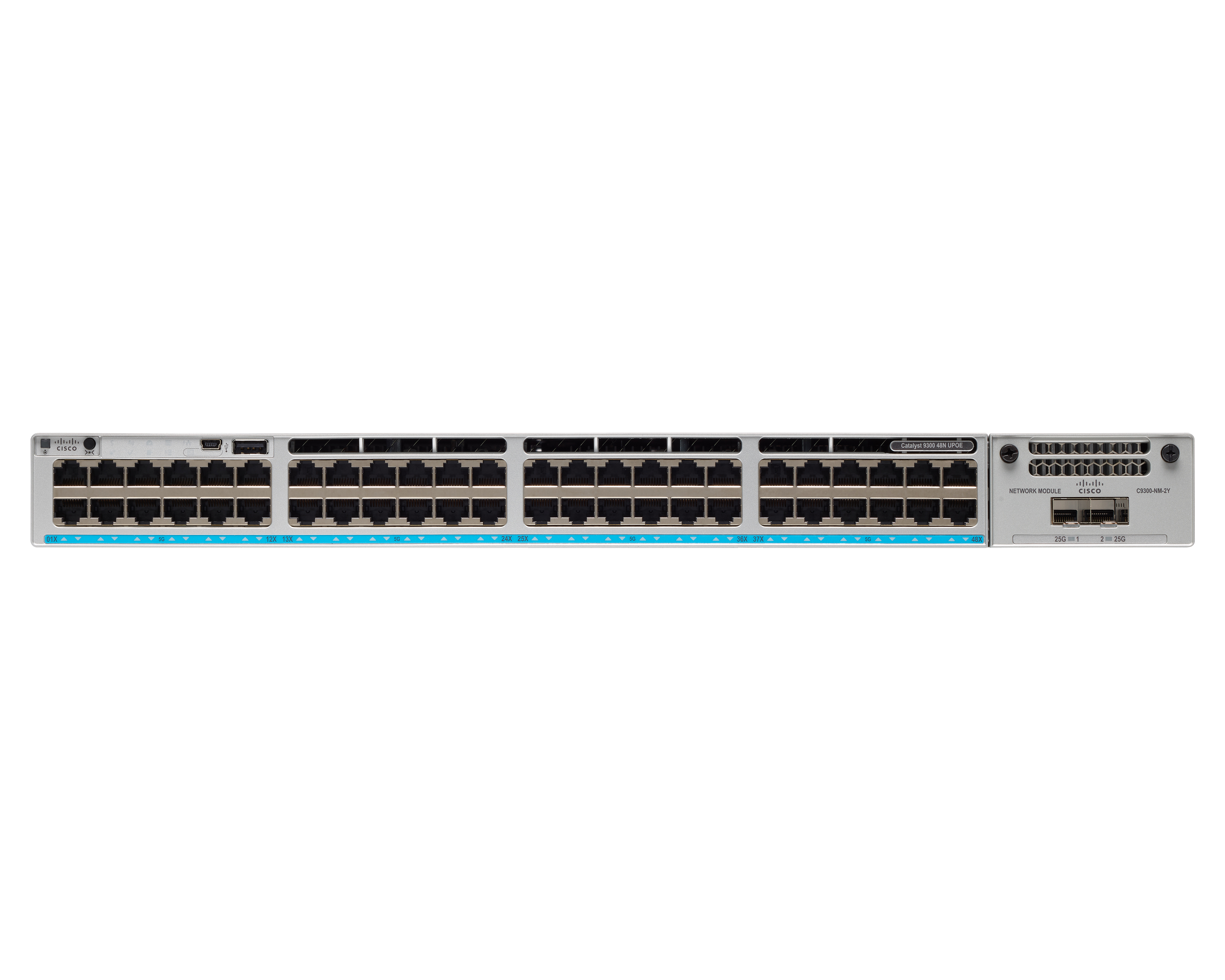
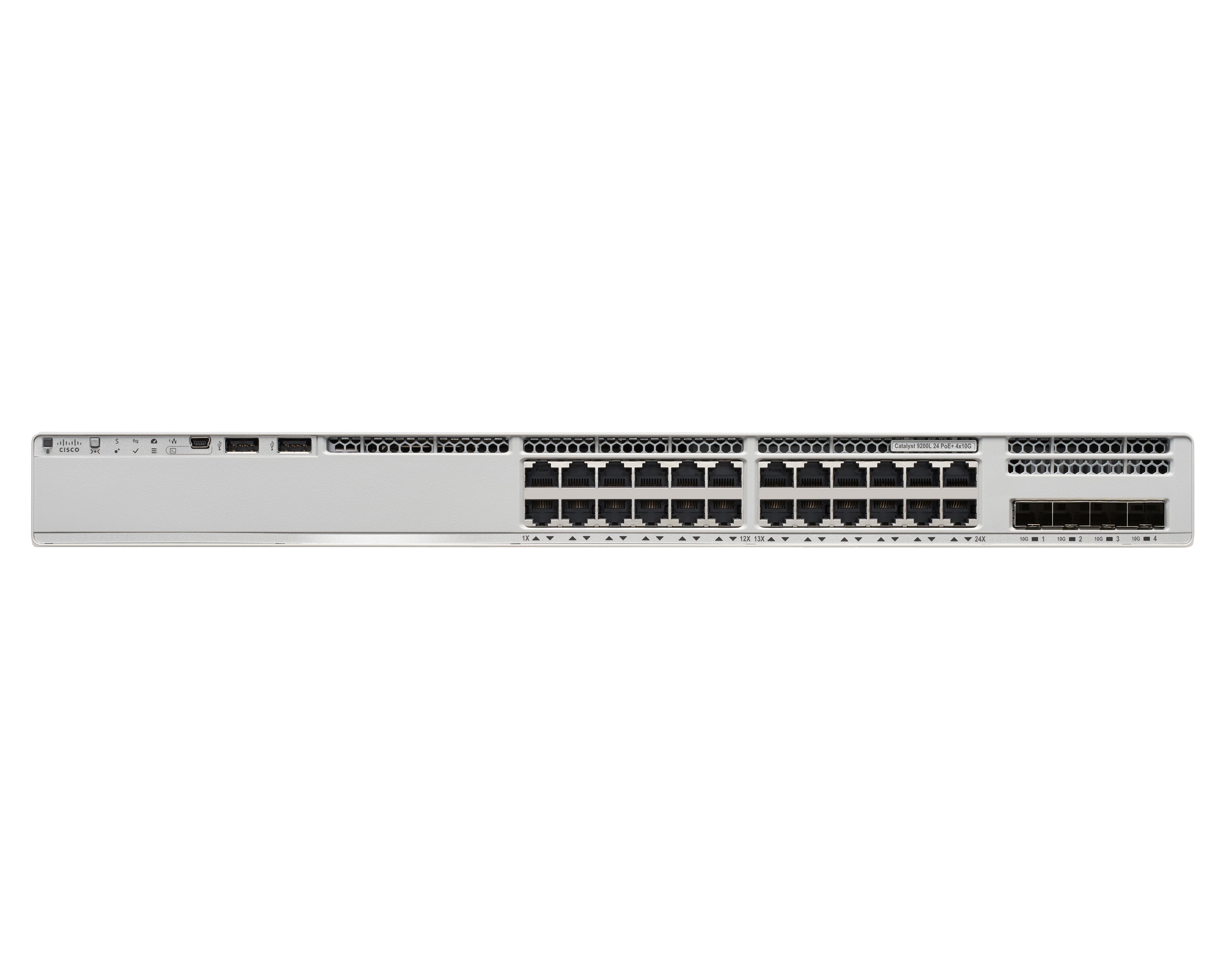
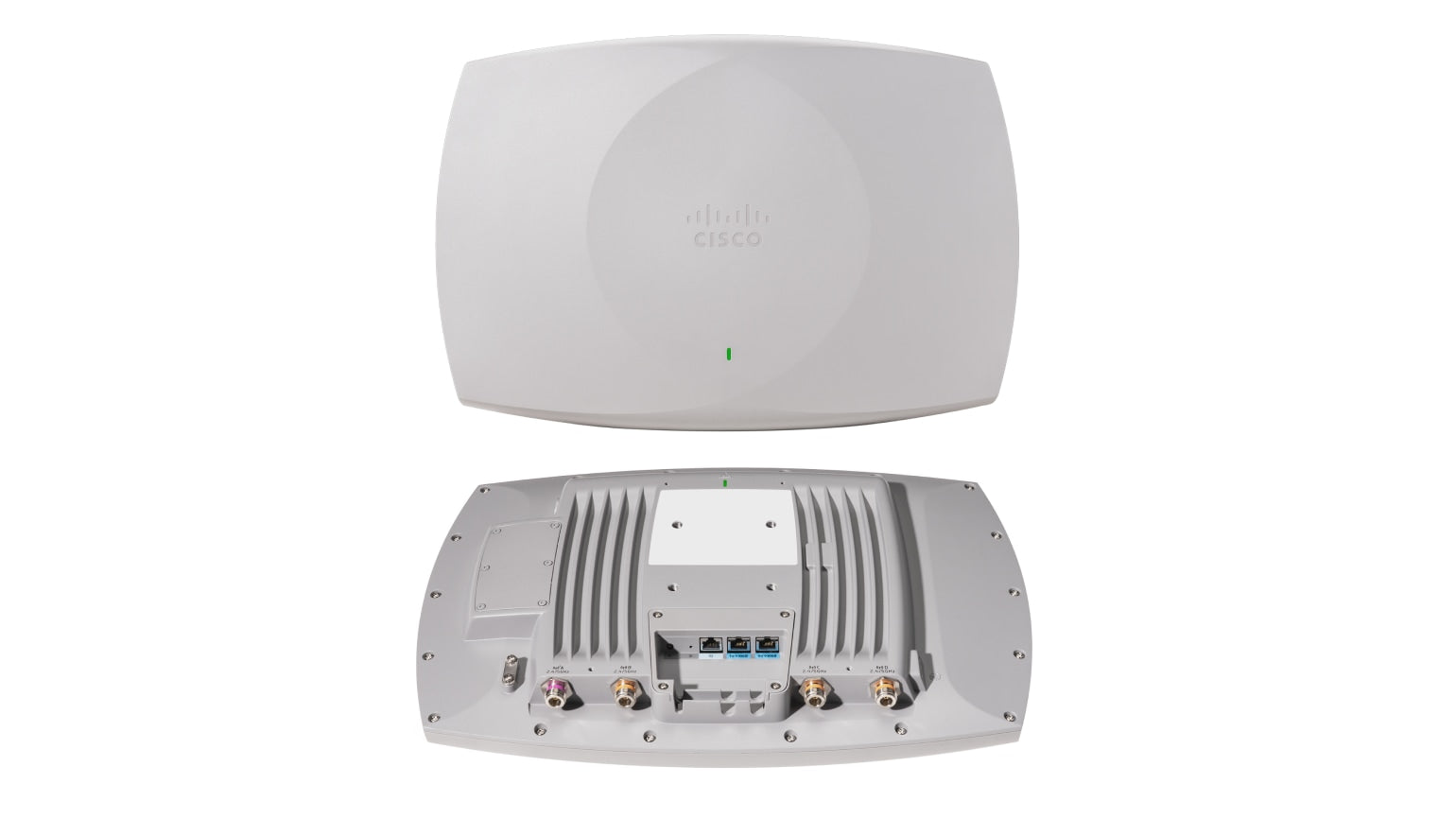
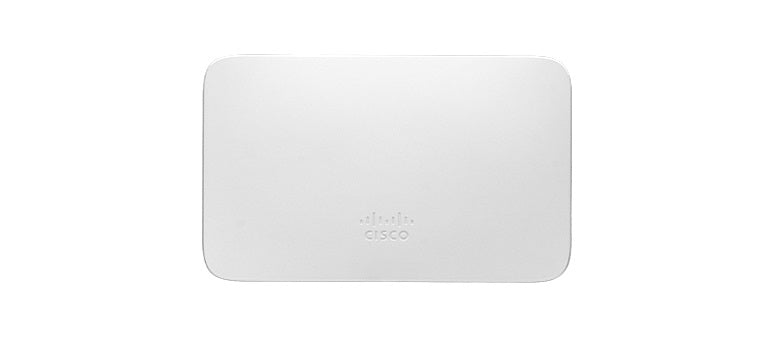
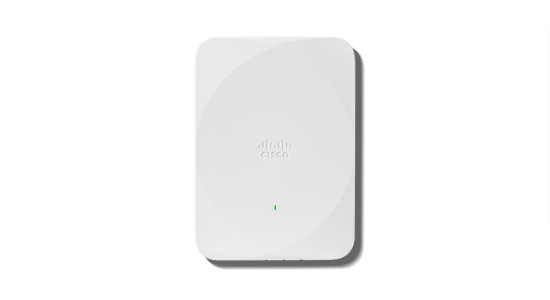
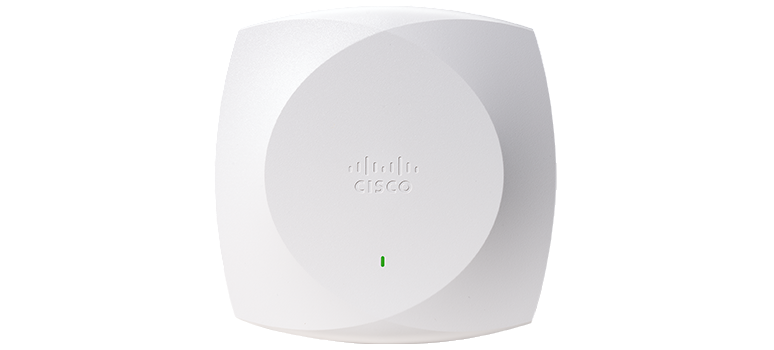
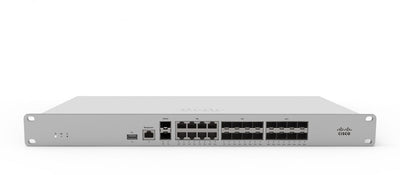
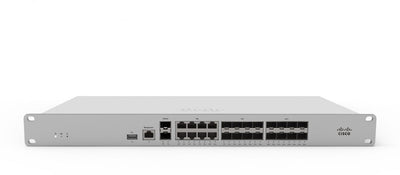
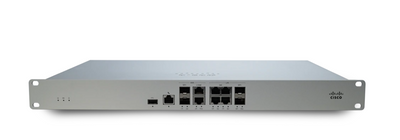
Protect your network with these Cisco Meraki security appliances.
Seamless Integration with Your IT Stack
Meraki works alongside the collaboration, security, and productivity tools your team depends on.
- VPN integration with major identity providers
- SAML and RADIUS authentication support
- MDM and endpoint management compatibility
- Open APIs for custom automation workflows
Ready to simplify your network?
Discover how Cisco Meraki cloud-managed networking can transform your business IT infrastructure.
Contact Us