


Self-Healing Wi-Fi: How Cisco Meraki Auto RF Eliminates Dead Zones and Keeps Your Business Connected
Dead zones and Wi-Fi interference don't have to be facts of life for your business. Here's how Cisco Meraki's Auto RF technology keeps your wireless network optimized around the clock — without a single manual tweak.

Ready to buy Cisco Meraki?
Get a custom quote from our specialists in under 4 hours.
Wi-Fi dead zones. Devices that drop off the network at the worst possible moment. A conference room where video calls always freeze. If any of this sounds familiar, you're not dealing with a fluke — you're dealing with an unmanaged wireless environment. Radio frequency (RF) interference, channel congestion, and suboptimal access point settings quietly degrade performance every day in most business networks.
Cisco Meraki takes a fundamentally different approach. Instead of requiring your IT team to manually tune hundreds of wireless settings, Meraki's cloud-managed access points use Auto RF — an intelligent, automated system that continuously monitors your RF environment, detects interference, and adjusts every AP in your network to deliver the best possible performance around the clock. No CLI. No manual channel planning. No midnight fire drills because someone brought in a microwave that's jamming your 2.4 GHz band.
"The biggest source of Wi-Fi complaints in most offices isn't weak signal — it's interference nobody can see. The moment you give your network the ability to see and respond to its own RF environment, everything changes."
— Network Reliability Insight, Enterprise Wireless Research
What Is Auto RF — and Why Does It Matter?
Every access point broadcasts on a radio channel. In a dense environment — an open office with 50 devices, a retail floor with constant foot traffic, a school with hundreds of students — multiple APs fighting over the same channels create co-channel interference that kills performance even when signal strength looks fine on paper.
Traditional wireless management requires a certified RF engineer to do a site survey, assign channels manually, and periodically revisit those settings as the environment changes. Cisco Meraki Auto RF does all of this automatically and continuously, using data collected directly from your deployed APs:
- ✓ Automatic channel assignment — Auto RF scans for channel usage across neighboring APs (your own and others) and assigns the least congested channel to each radio
- ✓ Dynamic transmit power control — APs automatically raise or lower their transmit power to balance coverage without over-amplifying into neighboring cells
- ✓ Real-time interference detection — Dedicated scan radios (available on higher-tier models like the CW9178I) continuously monitor the spectrum without interrupting client service
- ✓ Rogue AP detection — Unauthorized access points are identified instantly, flagged in the Meraki Dashboard, and can be contained automatically via Air Marshal
- ✓ Band steering — Capable clients are steered away from congested 2.4 GHz toward faster 5 GHz or 6 GHz bands automatically
The result: your wireless network self-optimizes in real time, reacting to conditions that would take a human hours to diagnose and fix — if they were detected at all.
Built for High-Density Environments
Auto RF isn't just a feature for the average office — it's especially critical in high-density deployments where the challenges multiply. Think conference centers, coworking spaces, schools, hotel lobbies, or retail floors where dozens or hundreds of devices are all demanding bandwidth in the same space.
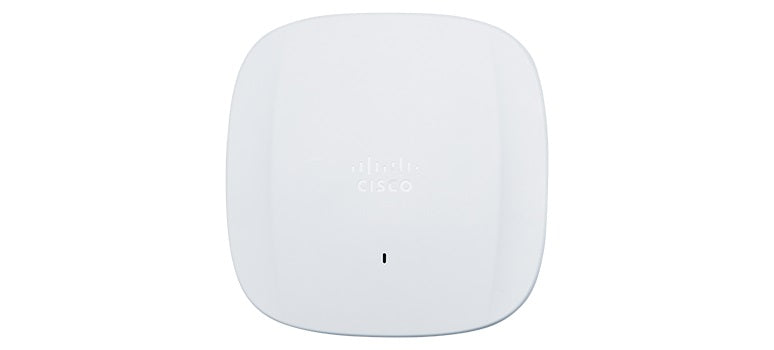
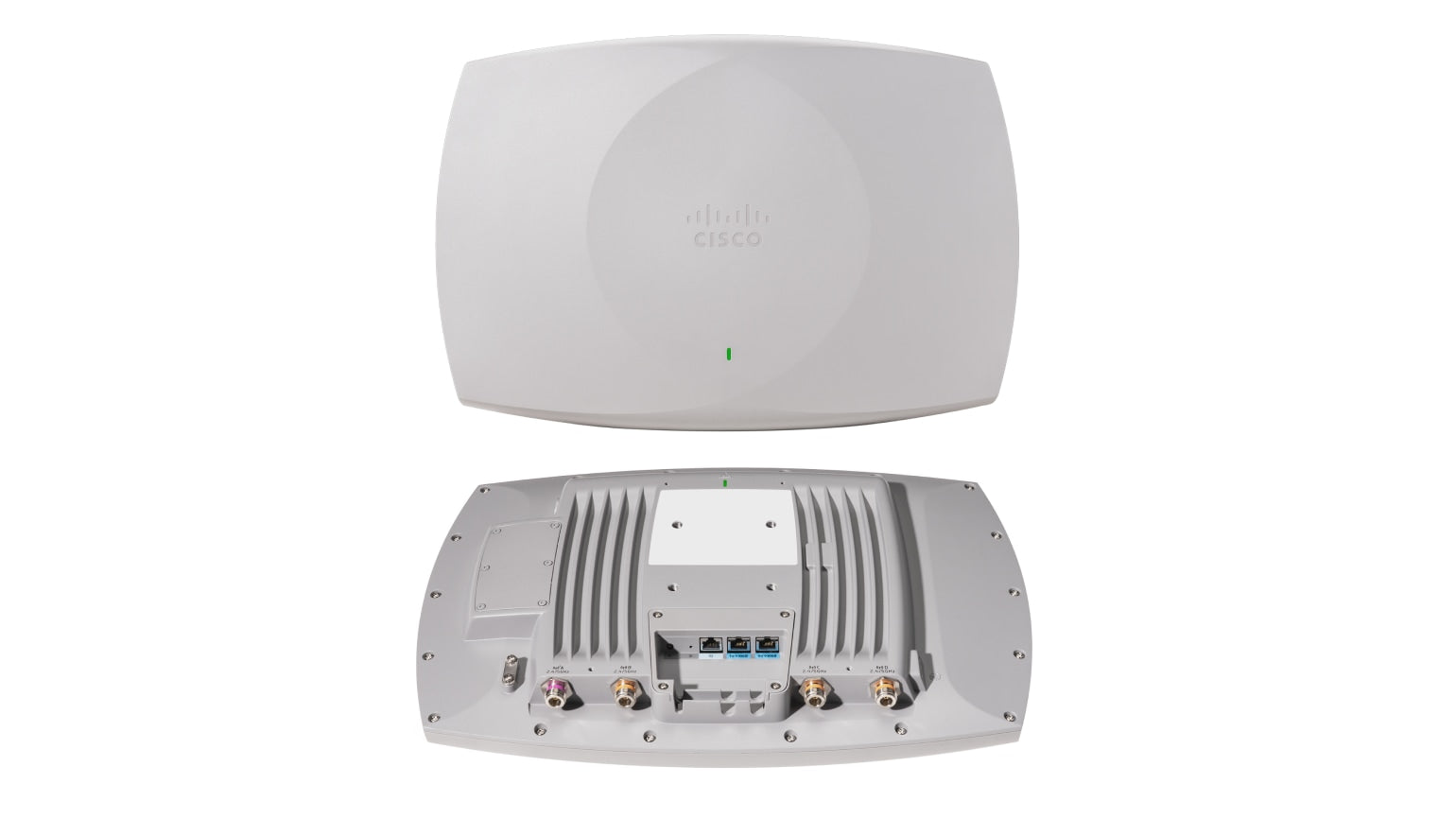
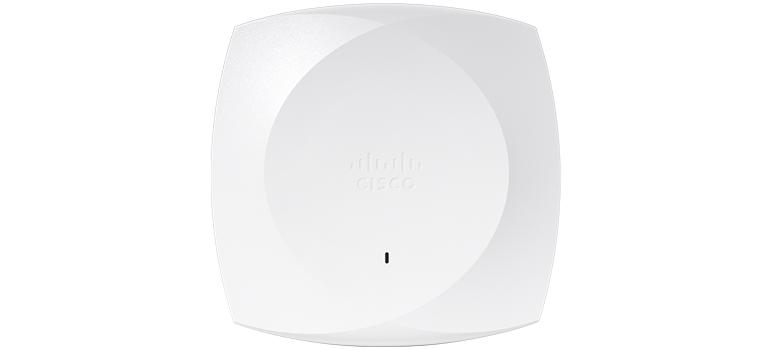
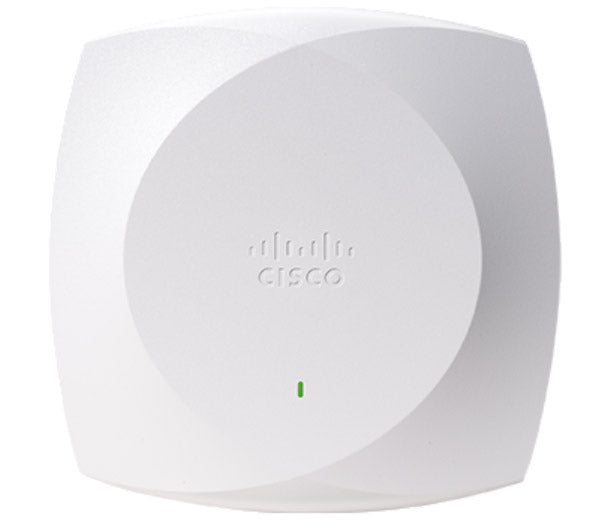
Cisco Meraki's CW9000 series access points are engineered specifically for these environments. The flagship CW9178I features 4x4:4 MU-MIMO radios across four bands (2.4 GHz, dual 5 GHz, and 6 GHz), a dedicated scan radio for always-on spectrum analysis, dual 10 Gbps multigigabit Ethernet uplinks, and integrated Bluetooth Low Energy, GPS, and ultra-wideband capabilities. At the other end of the range, the CW9172I brings Wi-Fi 7 performance to standard office environments with 2.5 Gbps uplink — making enterprise-grade wireless accessible at every tier.
When these APs operate as part of a Meraki network, Auto RF ensures they work together rather than against each other. The system treats every AP in your deployment as a single coordinated system, not a collection of isolated devices:
- ✓ MU-MIMO allows each AP to communicate with multiple clients simultaneously
- ✓ BSS Coloring (Wi-Fi 6/6E/7 feature) reduces interference from overlapping networks
- ✓ Seamless roaming keeps mobile devices connected as users move through your space
- ✓ Client load balancing distributes devices evenly across APs to prevent any single radio from getting overwhelmed
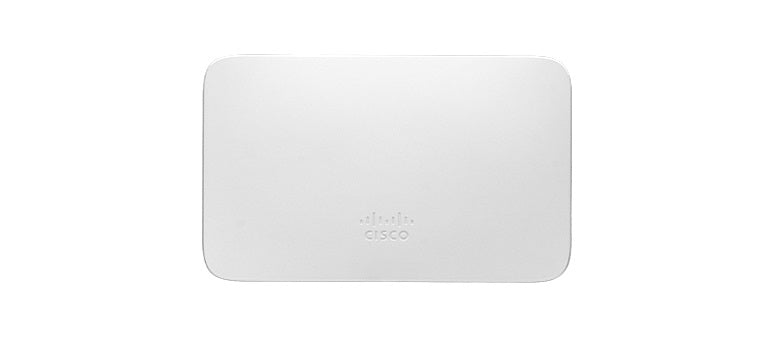
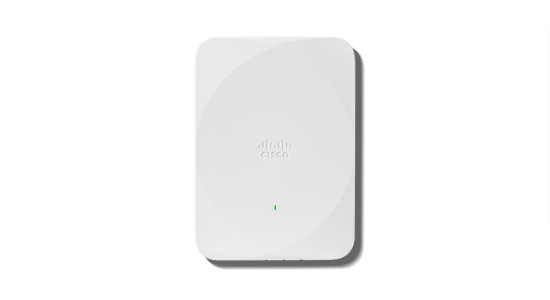
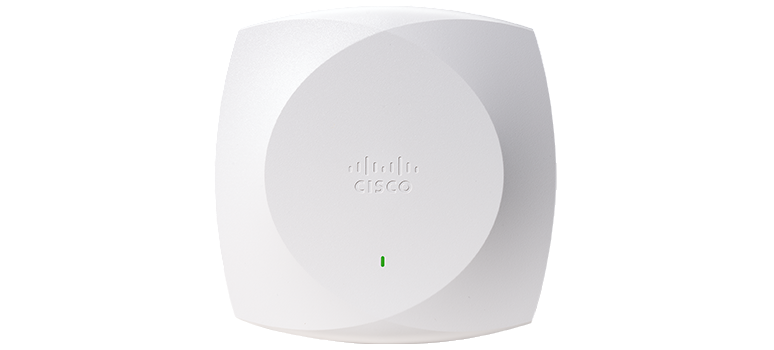
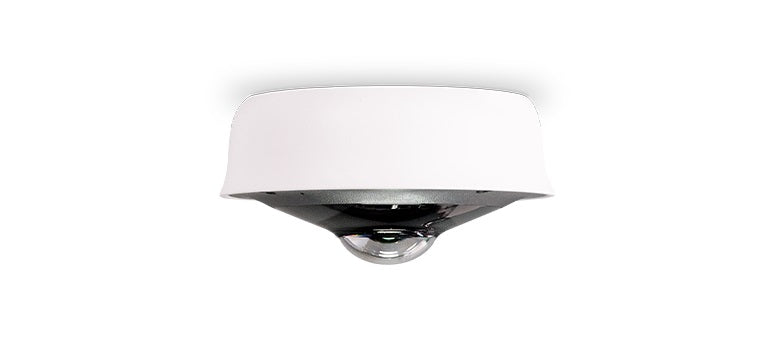
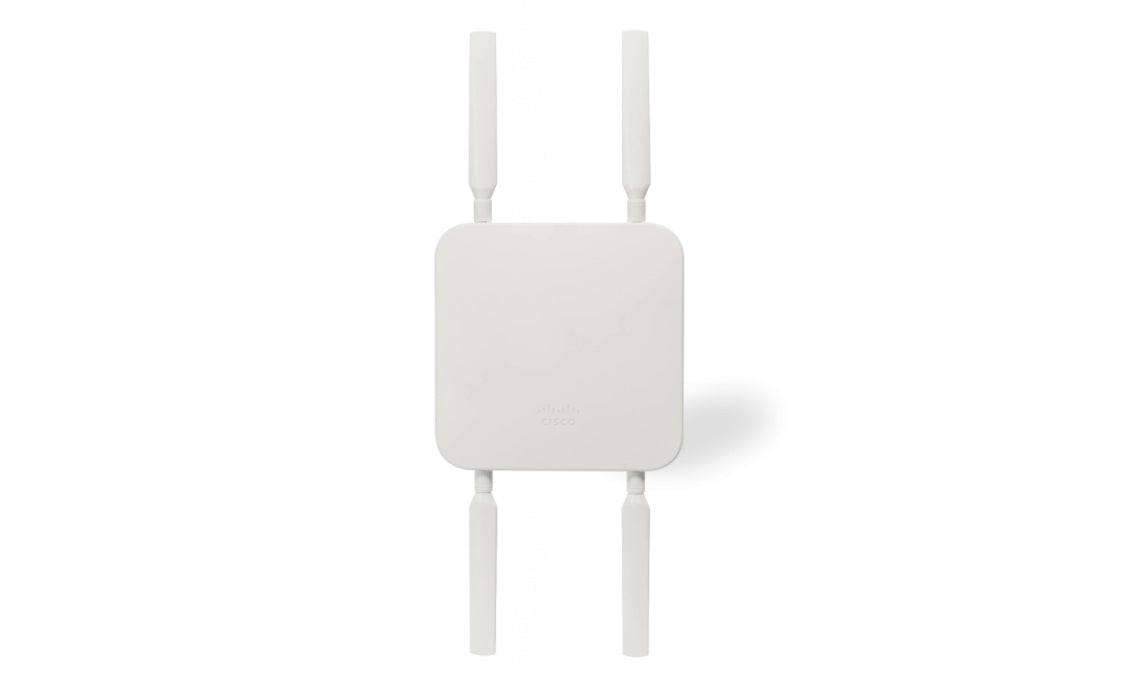
Explore our full range of cloud-managed wireless access points from the Cisco Meraki CW9000 series — from compact wall plates to ultra-high-density indoor and outdoor models.
Air Marshal: Wireless Security That Never Sleeps
An optimized RF environment is only part of the story. Cisco Meraki also includes Air Marshal, an integrated wireless intrusion prevention system (WIPS) that runs continuously across every Meraki AP. Air Marshal monitors the airspace for threats and acts on them automatically:
- ✓ Rogue AP containment — If an unauthorized AP appears on your network (an employee plugging in a cheap router, or a bad actor setting up an evil twin), Air Marshal detects and contains it
- ✓ Man-in-the-middle attack detection — The system identifies APs spoofing your SSID or trying to intercept client traffic
- ✓ Spoofed SSID alerts — Get notified immediately when someone creates a Wi-Fi network designed to impersonate yours
- ✓ Zero-day wireless threat detection — Air Marshal's rules are updated automatically through the Meraki cloud, so your network is always protected against the latest attack vectors
For businesses that need to meet compliance standards — HIPAA, PCI-DSS, SOC 2 — Air Marshal provides the continuous wireless monitoring that auditors require. And because it runs inside your existing Meraki access points, there's no separate hardware, licensing, or management console to deal with.
Visibility and Analytics Through the Meraki Dashboard
The Meraki Dashboard gives you a complete, real-time view of your wireless environment that most businesses have never had before. Every RF metric is collected automatically and surfaced in a format that doesn't require an RF engineering degree to understand.
From the Dashboard, your IT team can:
- ✓ See channel utilization for every AP in real time
- ✓ View a heat map of signal coverage across your floor plan
- ✓ Track which clients are connected to which AP and at what data rate
- ✓ Identify the top bandwidth consumers on your network
- ✓ Review historical RF performance to spot patterns and predict issues
- ✓ Run automated root-cause analysis when performance issues occur
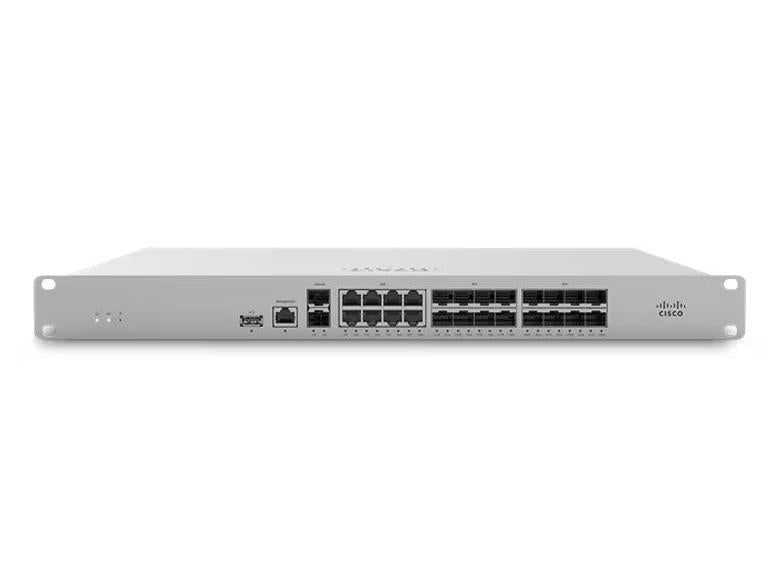
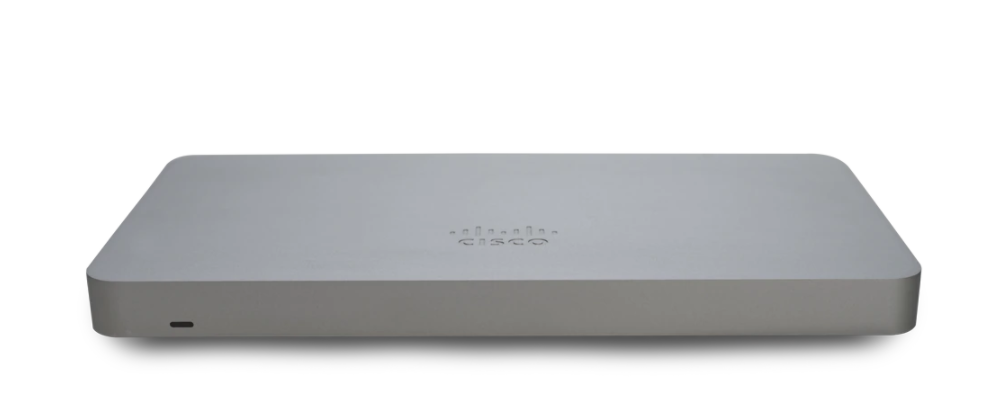
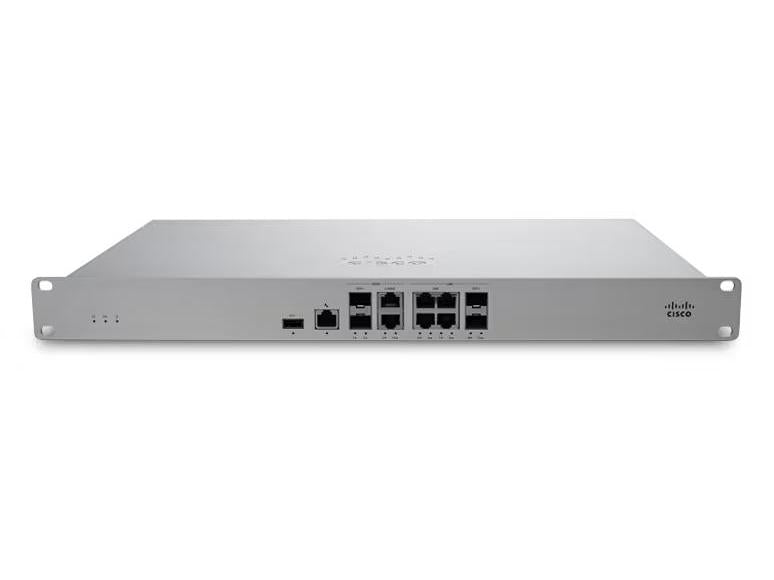
This level of visibility was previously available only to enterprises with dedicated network operations teams. With Meraki, it's built in for every deployment — whether you have one location or fifty. The same Dashboard that manages your wireless access points also manages your cloud-managed switches and security appliances, so your entire network infrastructure is visible from a single pane of glass.
Deploying Meraki Wireless: Simple From Day One
Auto RF and Air Marshal only matter if you can get them deployed quickly. Cisco Meraki's zero-touch provisioning model means access points arrive pre-configured and claimed to your Dashboard — you power them up, connect them to your switch, and they're live. No on-site configuration. No firmware burns. No specialist required.
This makes Meraki ideal for growing businesses that need to open new locations fast, or multi-site organizations that need consistent network quality across every branch. When you add a new AP to your Meraki network, Auto RF immediately incorporates it into its optimization model — the new AP starts contributing to coverage and performance the moment it comes online.
Whether you're upgrading an aging Wi-Fi infrastructure or deploying wireless for the first time, Cisco Meraki gives you an enterprise-grade wireless environment that manages itself, secures itself, and improves itself — with your IT team spending less time troubleshooting and more time focused on what your business actually needs them for.
Ready to eliminate dead zones for good? Talk to a Meraki Specialist
Our guest Wi-Fi used to be a constant headache. With Meraki access points, we went from daily complaints to zero tickets in three months.
Why Businesses Choose Meraki Wireless
High-performance Wi-Fi that adapts to your environment and manages itself from the cloud.
Wi-Fi 6 & 6E Performance
Latest wireless standards deliver faster speeds, more capacity, and lower latency for every device on your network.
Learn More ›Self-Optimizing RF
AI-powered radio management automatically adjusts channels and power levels to maintain peak performance as your environment changes.
Learn More ›Seamless Roaming
Clients move between access points without drops or reconnections. 802.11r fast roaming keeps video calls and VoIP running smoothly.
Learn More ›The Power of the Meraki Dashboard
At the heart of Cisco Meraki is an intuitive cloud dashboard that unifies wireless, switching, security, and IoT management into a single view. IT teams can manage their entire distributed infrastructure from anywhere.
- Real-time visibility into network health and client connectivity
- AI-powered analytics that predict issues before they impact users
- Automated firmware updates and security patching
- Role-based access control and audit logging

Rolling out Wi-Fi 6 across our campus with Meraki took one afternoon. The auto RF optimization means we never touch channel settings manually anymore.
Featured Wireless Products
High-performance Cisco Meraki wireless access points for every environment.



Seamless Integration with Your IT Stack
Meraki works alongside the collaboration, security, and productivity tools your team depends on.
- VPN integration with major identity providers
- SAML and RADIUS authentication support
- MDM and endpoint management compatibility
- Open APIs for custom automation workflows
Ready to simplify your network?
Discover how Cisco Meraki cloud-managed networking can transform your business IT infrastructure.
Contact Us