
5 Warning Signs Your Business Network Needs an Upgrade (And What to Do About It)
Is your network slowing down your business? Discover five clear warning signs that your infrastructure needs an upgrade — and what to do about each one.
Ready to buy Cisco Meraki?
Get a custom quote from our specialists in under 4 hours.
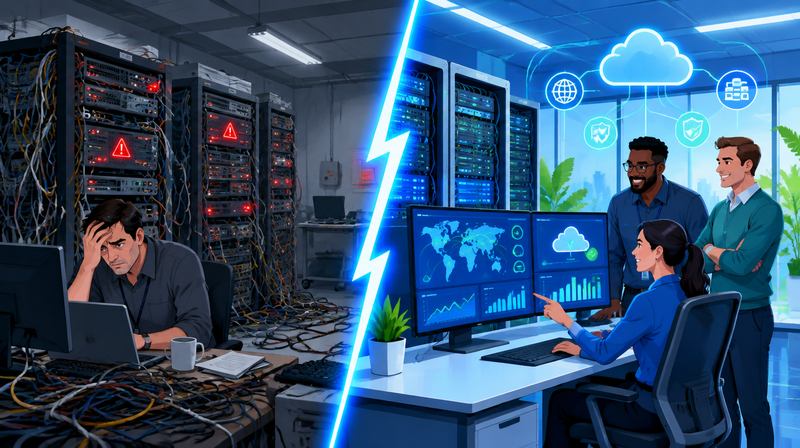
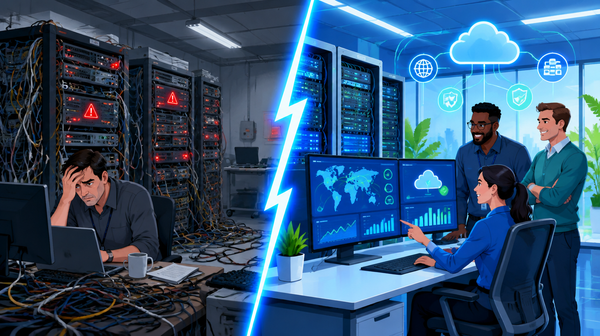
Your business runs on its network — but most companies only notice it when something breaks. By then, the damage is done: lost productivity, missed deadlines, frustrated employees, and sometimes, a security incident that costs far more to fix than it would have to prevent. The question isn't whether your network will eventually need an upgrade. The question is whether you'll catch the warning signs before they become critical failures.
Here are five clear indicators that your current infrastructure is holding your business back — and what you can do about it.
"The average cost of IT downtime for a small to mid-sized business exceeds $4,000 per hour — yet most network failures are predictable and preventable with the right monitoring and infrastructure in place."
Sign #1: Everyone Blames "The Internet" — But the Real Problem Is Inside Your Walls
When employees complain that the network is slow, the instinct is to call the ISP. But in most cases, the bottleneck isn't your internet connection — it's the aging switches, overloaded access points, or misconfigured equipment between your users and the web. Without visibility into traffic flows, you're guessing.
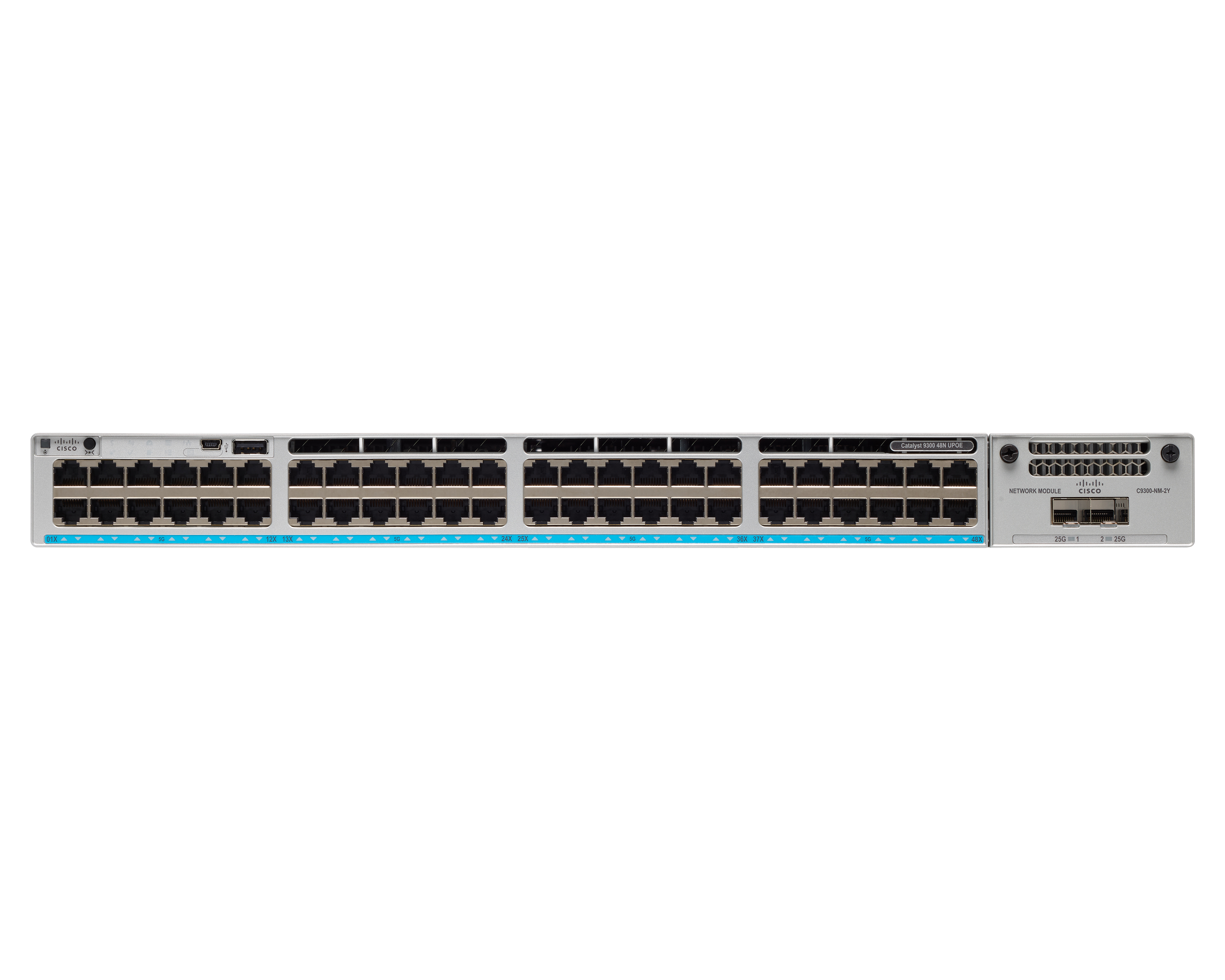
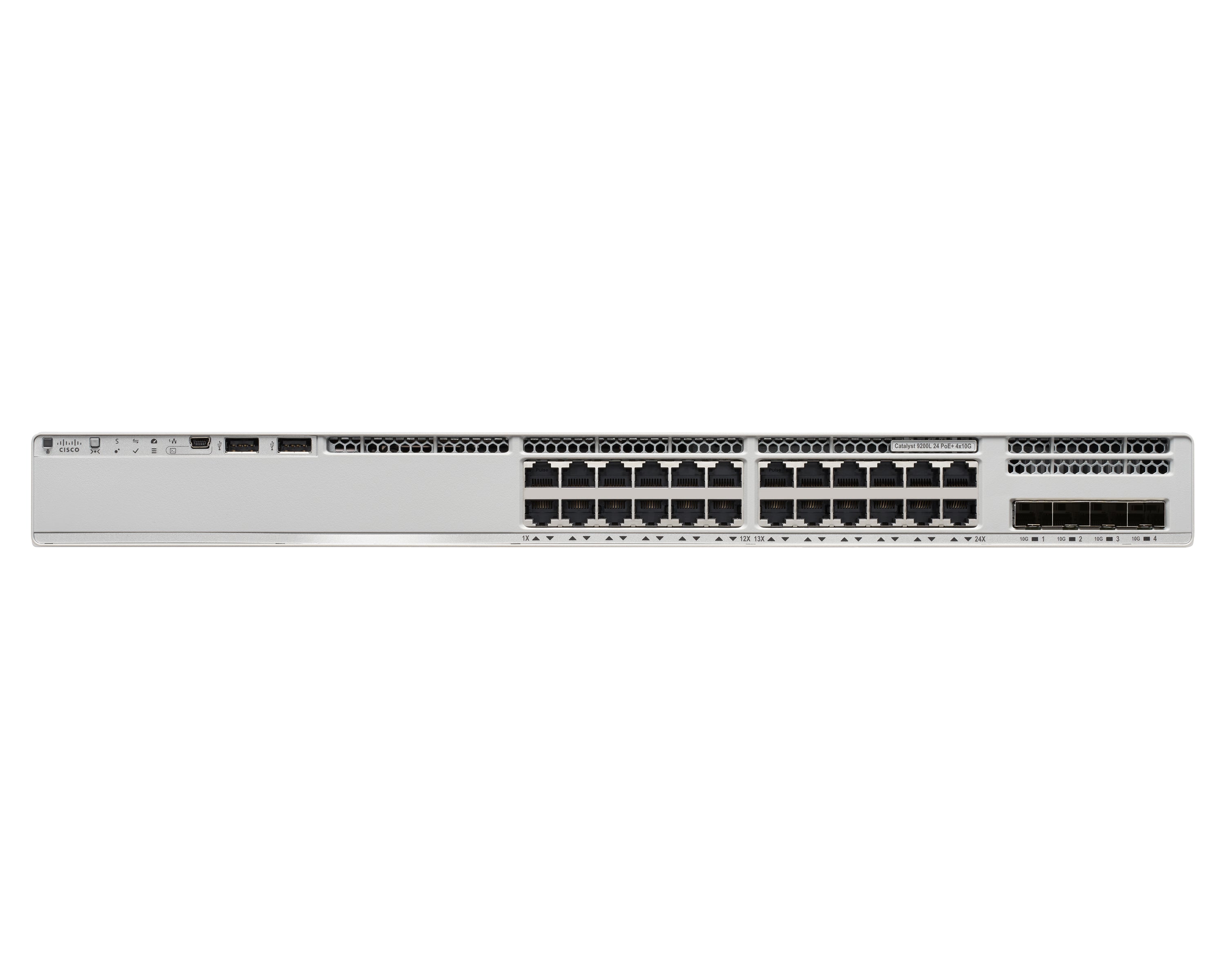
A modern cloud-managed switch doesn't just move data — it gives you a real-time picture of exactly who and what is consuming bandwidth. Cisco Meraki's MS switch lineup, for example, streams live traffic analytics directly to the Meraki Dashboard, letting IT teams pinpoint congestion before it becomes an outage. You'll see which applications are consuming the most bandwidth, which ports are maxed out, and where QoS policies need tuning — all from a single browser window.
Signs this applies to you:
- ✓ Employees report "slow internet" at random times with no clear cause
- ✓ You can't tell which devices or apps are consuming the most bandwidth
- ✓ Video calls or VoIP drop quality during business hours
- ✓ Your switch dashboard (if you have one) requires CLI commands to get basic data
Sign #2: You're Flying Blind — No Dashboard, No Monitoring, No Alerts
If your network goes down at 2 AM and you find out at 9 AM when employees can't log in, you have a monitoring problem. Modern networking isn't just about connectivity — it's about having complete visibility into your infrastructure 24/7, from anywhere, without needing to be on-site.
The Meraki Dashboard gives IT administrators a single pane of glass across every switch, access point, and security appliance in your network. Automated alerts notify you the moment a port fails, a device goes offline, or unusual traffic patterns emerge. For businesses managing multiple locations, this isn't a luxury — it's a necessity.
What good network visibility looks like:
- ✓ Real-time topology maps showing every connected device
- ✓ Automated alerts for device failures, threshold breaches, and unusual activity
- ✓ Historical reporting so you can spot trends before they become problems
- ✓ Remote troubleshooting — resolve issues without rolling a truck
Sign #3: Remote and Branch Offices Feel Disconnected — Literally and Figuratively
If your remote workers experience different performance than your main office, or if your branch locations require on-site IT visits every time something changes, you're paying a hidden tax on your network complexity. Managing separate configurations at each location is time-consuming, error-prone, and impossible to scale.
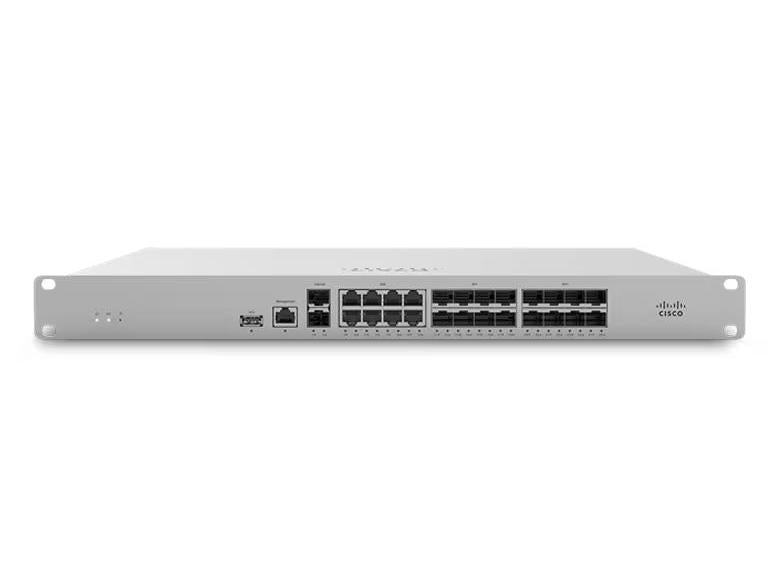
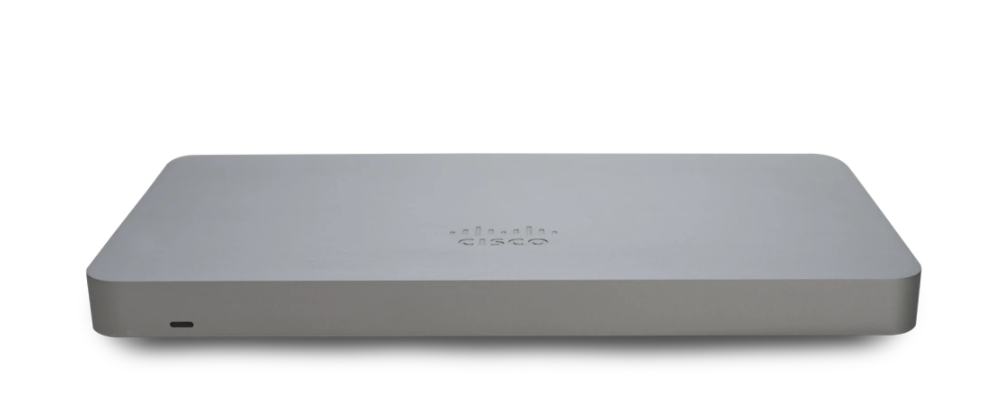
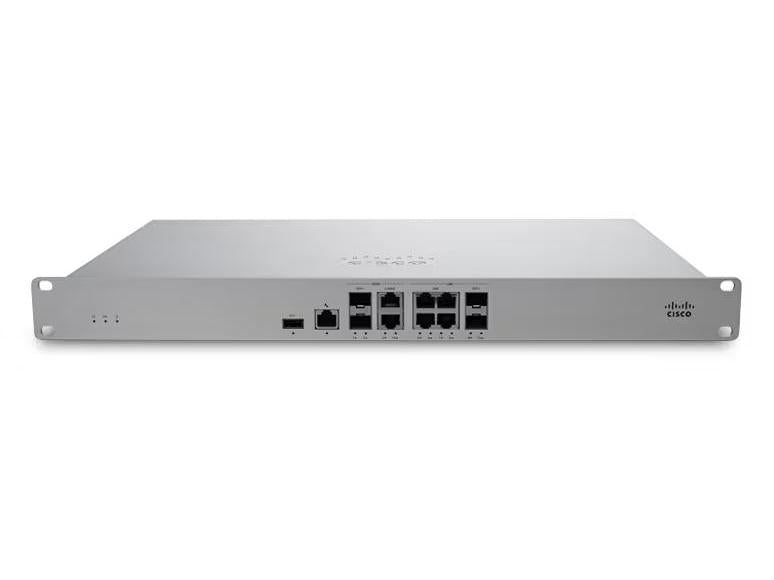
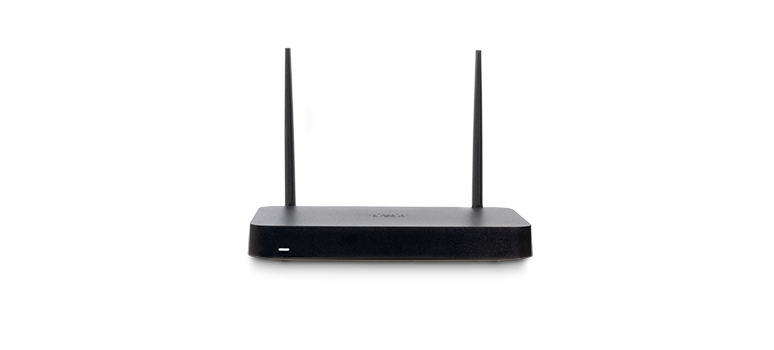
Cisco Meraki was built for multi-site businesses. With Meraki MX security appliances at each location, site-to-site VPN tunnels come up automatically — no manual configuration, no ongoing maintenance. Policy changes made in the dashboard propagate instantly to every location. And for employees working from home, the Meraki teleworker solution extends your corporate network to any home office with enterprise-grade security.
Red flags for multi-site businesses:
- ✓ Each location has its own separate management system
- ✓ VPN setup requires manual configuration on both ends
- ✓ Security policies vary between locations — some sites are stricter than others
- ✓ Opening a new location means weeks of IT setup time
Sign #4: Security Is Reactive — You Patch After the Breach, Not Before
If your security strategy is "react when something bad happens," you're already behind. The modern threat landscape doesn't give businesses time to respond — ransomware can encrypt your files in minutes, and credential-harvesting attacks are often running for months before they're detected.
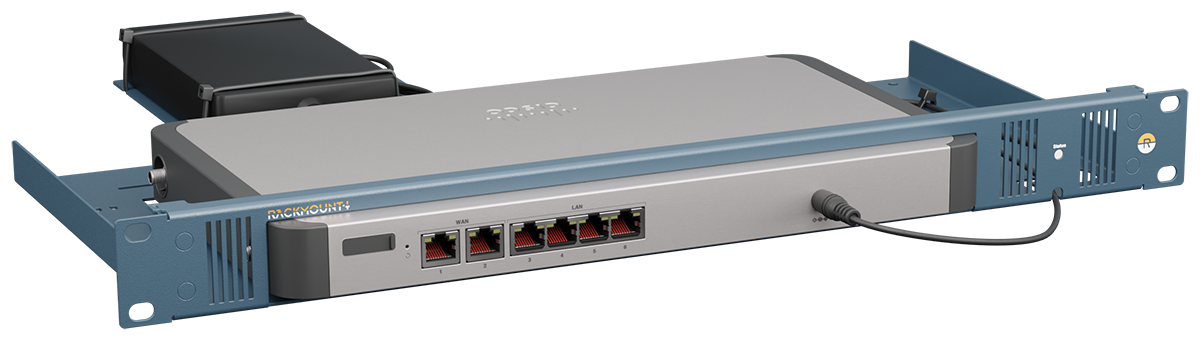
A cloud-managed network enables proactive security that most on-premise solutions simply can't match. Meraki MX appliances include built-in advanced malware protection, intrusion detection and prevention (IDS/IPS), and content filtering — all updated automatically in the cloud. There's no manual firmware patching, no maintenance windows, and no lag between when a new threat emerges and when your network is protected against it. Combine this with automatic network segmentation to isolate guest traffic, IoT devices, and critical business systems — so a compromised device can't spread laterally across your entire infrastructure.
Security gaps to watch for:
- ✓ Guest Wi-Fi is on the same network as internal business systems
- ✓ Firmware updates are manual and often delayed
- ✓ No IDS/IPS or advanced threat protection
- ✓ You've had a security incident in the last 12 months
Sign #5: Your IT Team Spends More Time Fighting Fires Than Moving Forward
The ultimate sign that your infrastructure needs attention is when your IT team — internal or outsourced — is spending the majority of their time on reactive maintenance rather than strategic projects. Every hour spent troubleshooting a misconfigured switch or manually provisioning a new access point is an hour not spent on the initiatives that actually grow your business.
Cloud-managed networking eliminates the most time-consuming aspects of traditional IT operations. Zero-touch provisioning means a new Meraki switch can be deployed at a remote office by a non-technical employee: it ships pre-configured in the cloud, plugs in, and self-provisions automatically. No truck roll needed. No on-site technical expertise required. For growing businesses opening new locations or onboarding new employees, this kind of scalability is transformative.
Operational efficiency indicators:
- ✓ Setting up a new location takes days or weeks of IT work
- ✓ Routine changes (adding VLANs, updating ACLs) require CLI expertise
- ✓ Your team has no time for infrastructure improvement projects
- ✓ End-of-life hardware is still in production because replacement feels like a project
What to Do Next: A Practical Upgrade Path
If you recognized your business in two or more of the signs above, you're not alone — and the fix doesn't have to be a rip-and-replace. Most businesses can modernize incrementally, starting with the highest-pain points and expanding from there.
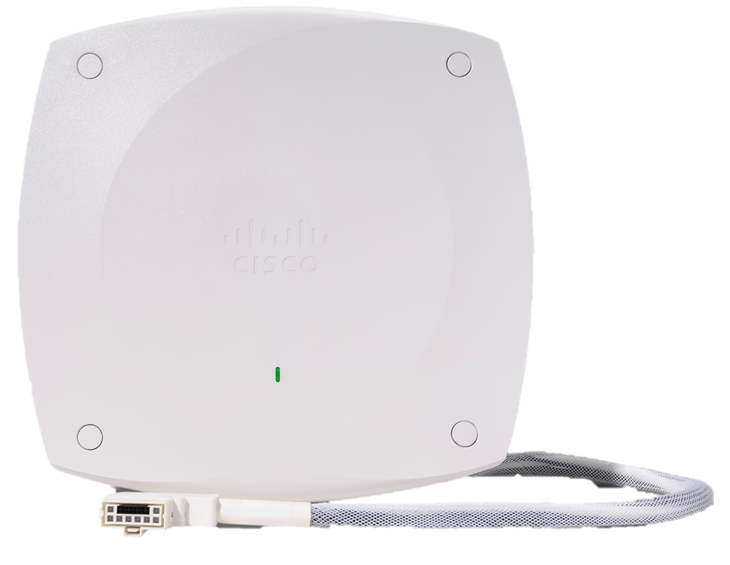
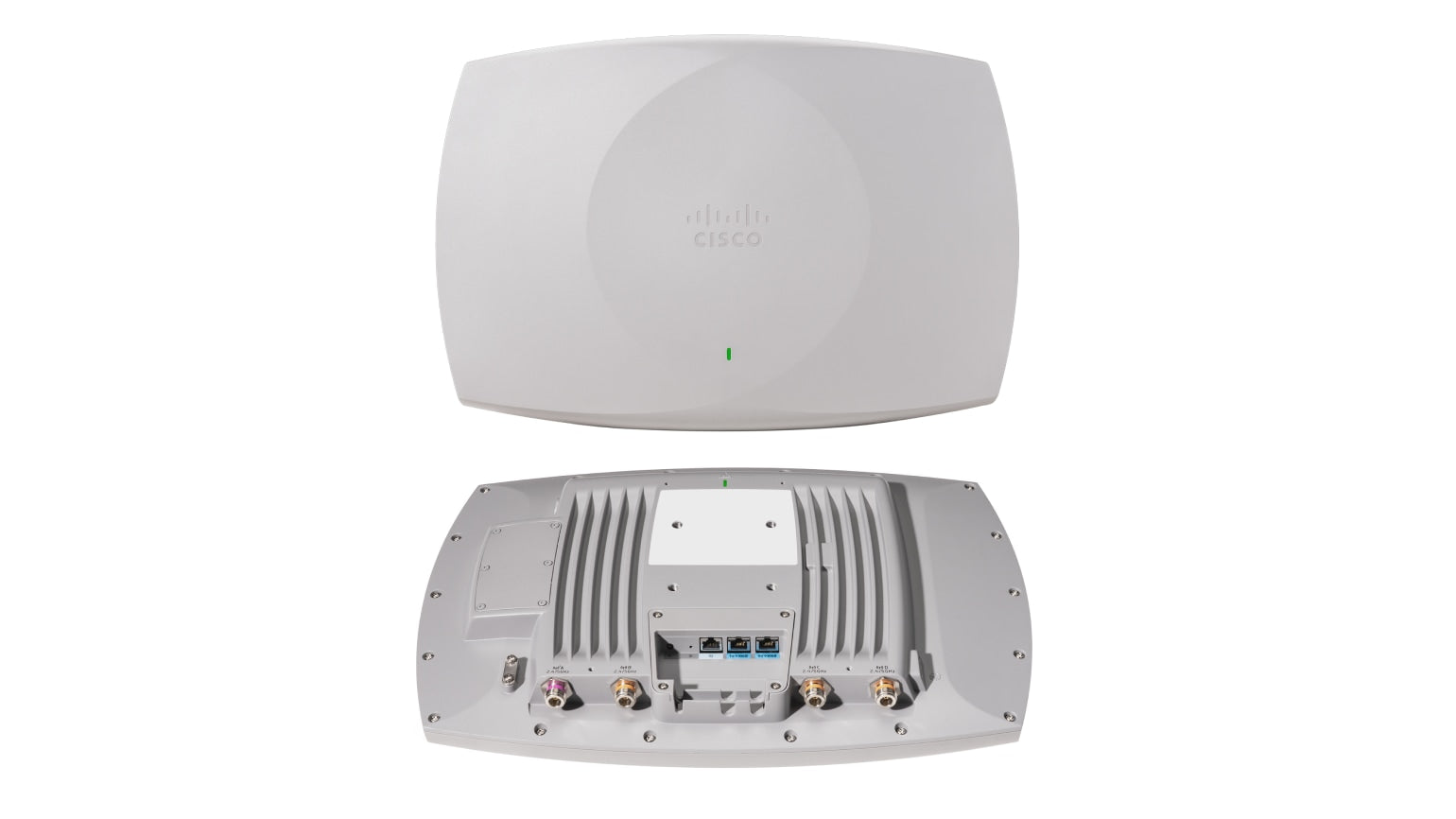
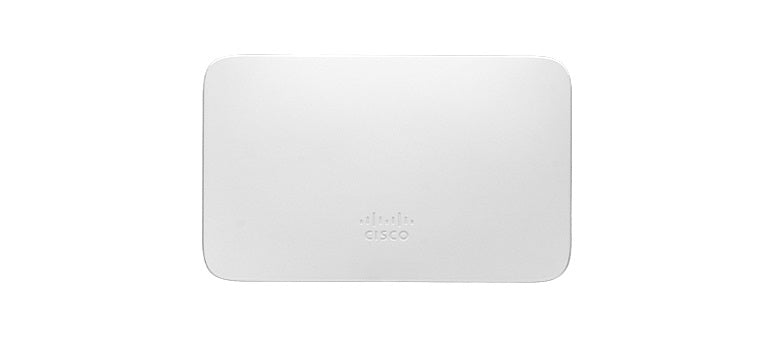
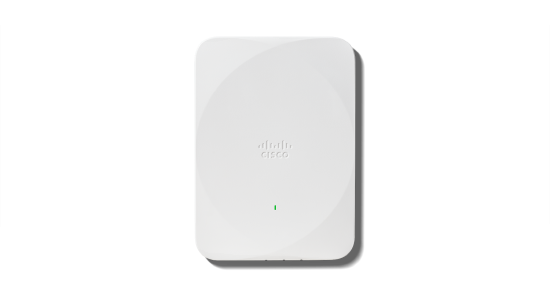
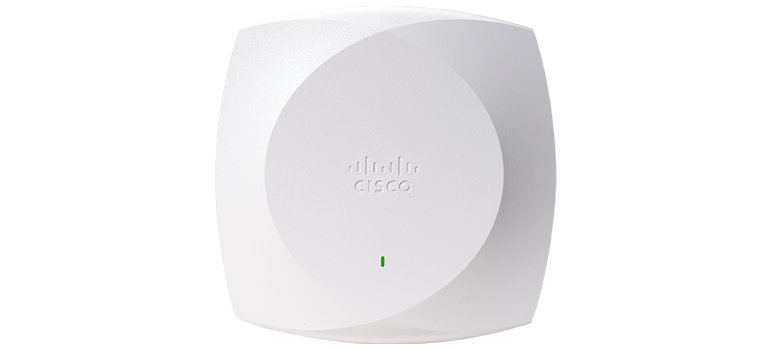
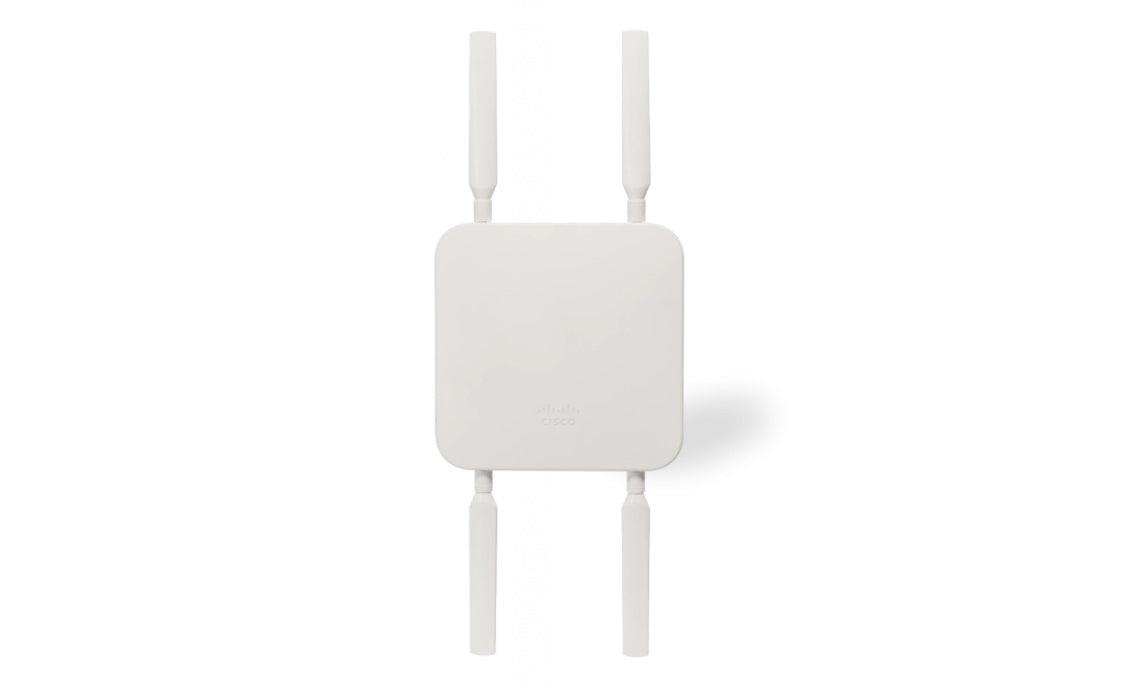
A typical upgrade sequence looks like this: start with visibility and security (a Meraki MX at your edge gives you monitoring, firewall, VPN, and threat protection in one device), then standardize your switching layer with cloud-managed MS switches, and finally unify your wireless with Meraki MR access points. At each stage, you gain new capabilities — and your IT team gets time back.
Novbox specializes in helping Las Vegas-area businesses design, deploy, and manage exactly this kind of modern network infrastructure. From initial assessment to ongoing managed services, we handle the technology so you can focus on your business.
Browse our full selection of cloud-managed Meraki switches, security appliances, and wireless access points — or contact our team for a free network assessment tailored to your business.
Cloud networking has completely transformed how we manage IT across our 15 locations. What used to take weeks now happens in minutes.
Why Businesses Choose Cloud Networking
The Meraki platform delivers enterprise-grade networking with consumer-grade simplicity.
Single Dashboard
Monitor and manage your entire network — switches, access points, firewalls, cameras — from one intuitive cloud interface.
Learn More ›Built-In Security
Every device includes next-gen firewall, intrusion detection, and automatic firmware updates. Zero-trust security by default.
Learn More ›Scale Without Limits
Add new locations, floors, or remote workers instantly. Zero-touch provisioning means hardware self-configures from the cloud.
Learn More ›The Power of the Meraki Dashboard
At the heart of Cisco Meraki is an intuitive cloud dashboard that unifies wireless, switching, security, and IoT management into a single view. IT teams can manage their entire distributed infrastructure from anywhere.
- Real-time visibility into network health and client connectivity
- AI-powered analytics that predict issues before they impact users
- Automated firmware updates and security patching
- Role-based access control and audit logging

Deploying secure remote access for 500 employees took hours, not weeks. The cloud dashboard makes ongoing management effortless.
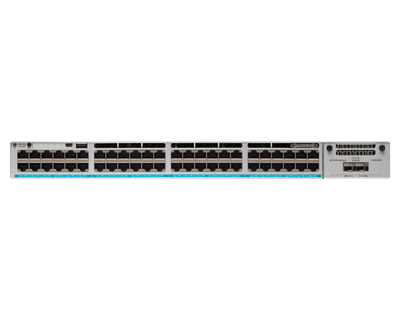
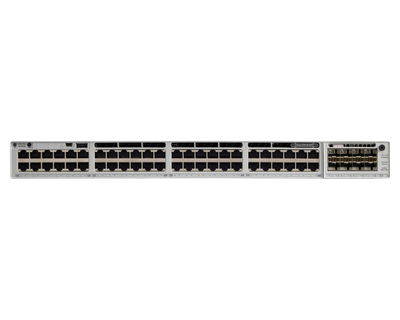
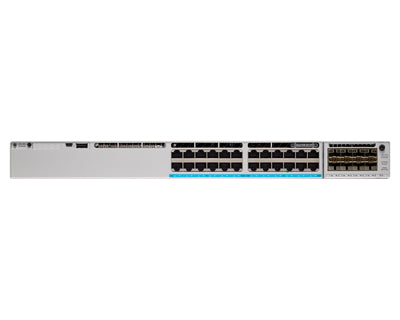
Featured Networking Products
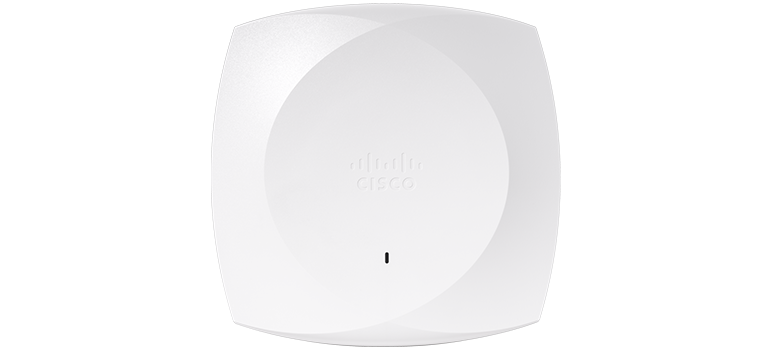
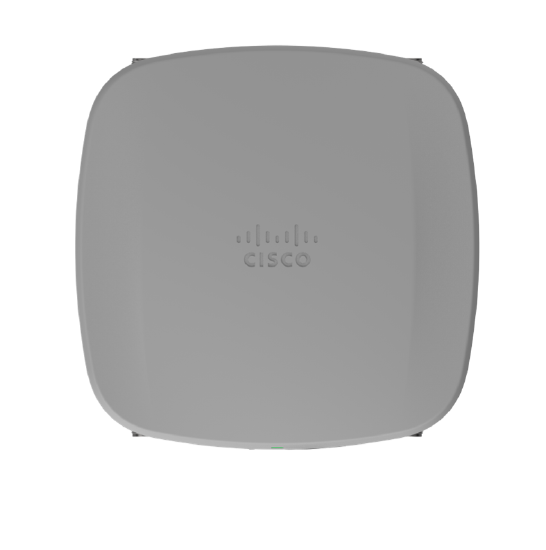
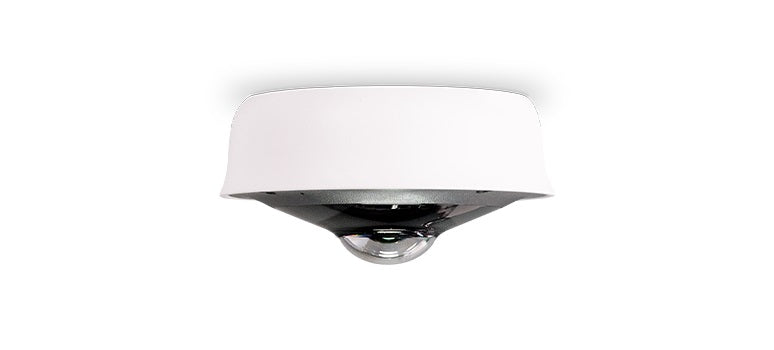
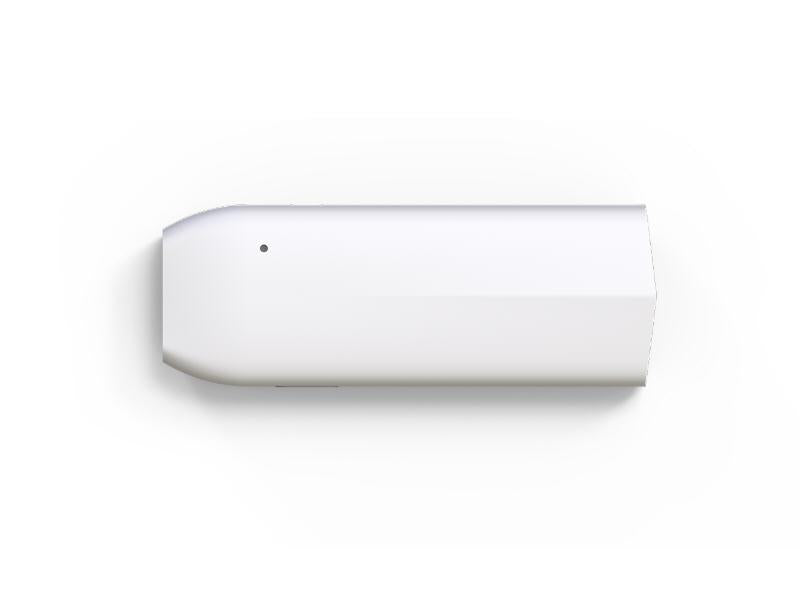
Enterprise-grade Cisco Meraki networking products for your business.
Seamless Integration with Your IT Stack
Meraki works alongside the collaboration, security, and productivity tools your team depends on.
- VPN integration with major identity providers
- SAML and RADIUS authentication support
- MDM and endpoint management compatibility
- Open APIs for custom automation workflows
Ready to simplify your network?
Discover how Cisco Meraki cloud-managed networking can transform your business IT infrastructure.
Contact Us