





Configure Once, Deploy Everywhere: How Cisco Meraki Network Templates Transform Multi-Location IT Management
Discover how Cisco Meraki Configuration Templates let IT teams configure a network once and deploy it to hundreds of locations instantly — with zero-touch provisioning, centralized security policies, and flexible local overrides.

Ready to buy Cisco Meraki?
Get a custom quote from our specialists in under 4 hours.
Managing IT across a single location is challenging enough. But when your business spans 10, 50, or 500 locations — each with its own network hardware, firewall rules, Wi-Fi SSIDs, and switch configurations — the complexity grows exponentially. One misconfigured firewall at a branch office can open a security gap. One inconsistent Wi-Fi policy can leave employees frustrated. And manually logging into each site's network admin panel to make a change? That's hours of work that should take minutes.
Cisco Meraki solves this with Configuration Templates — one of the most powerful features in the Meraki Dashboard. With templates, your IT team configures a network exactly once, and that configuration becomes the blueprint for every location in your organization. Push a change to the template, and it propagates to hundreds of branches in seconds. No CLI. No scripting. No site-by-site log-ins.
"We went from spending three days rolling out a new firewall policy across 80 locations to pushing it from the dashboard in about 15 minutes. Meraki templates changed how we think about multi-site IT entirely."
— Network Manager, Regional Retail Chain
What Is a Meraki Configuration Template?
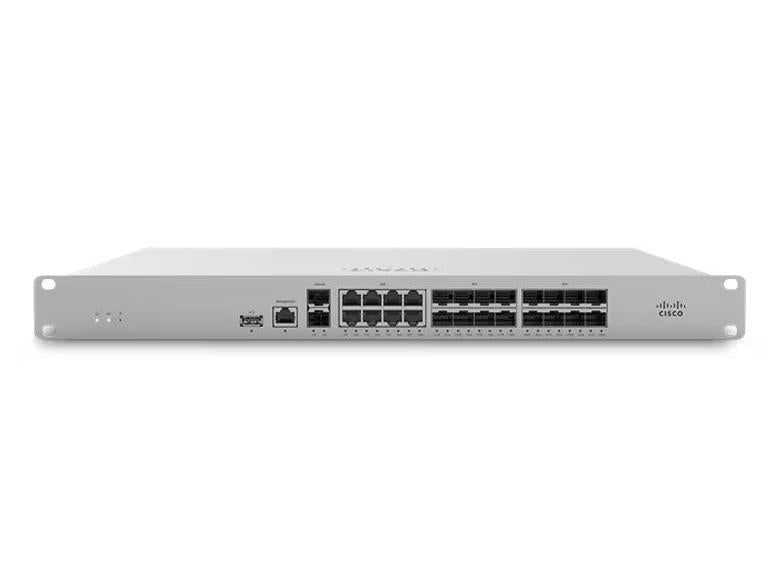
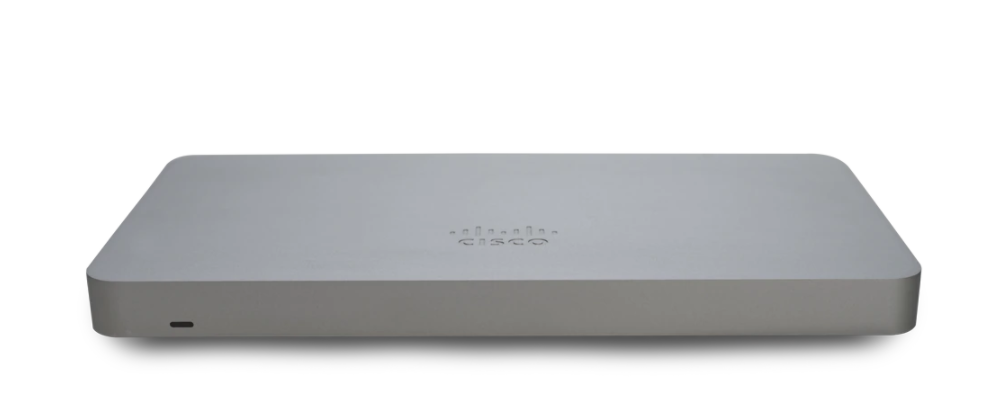
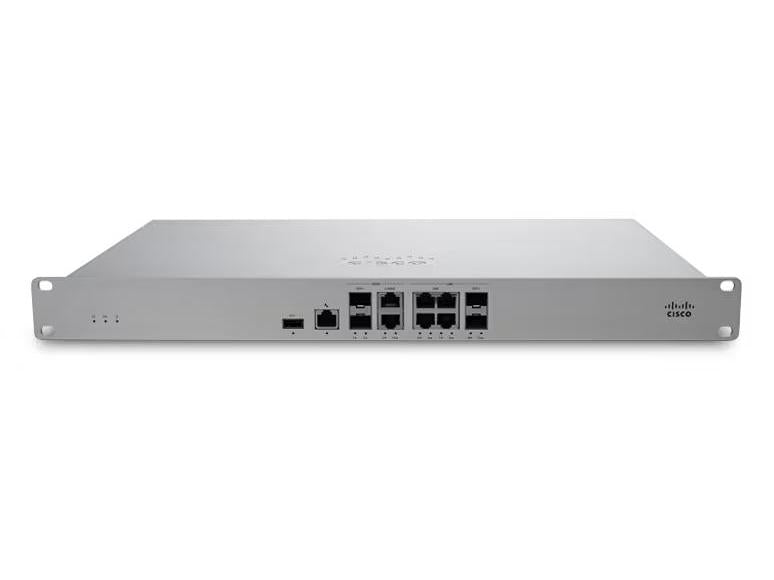
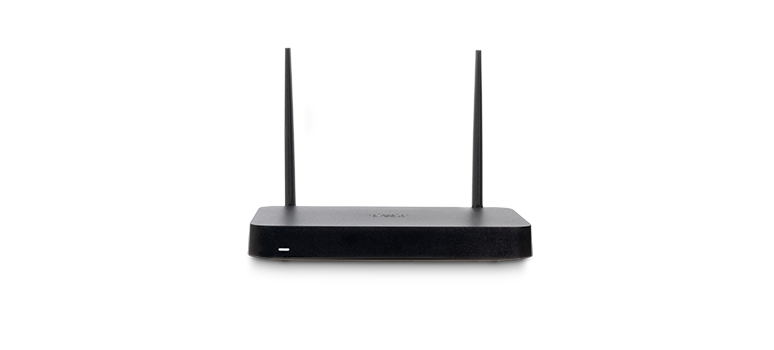
A Configuration Template in the Meraki Dashboard is a master network profile that defines the settings for all your network devices — MX security appliances, MS switches, MR and CW wireless access points, and MG cellular gateways. Once created, you bind individual branch networks to the template, and they automatically inherit every configuration detail.
Think of it like a franchise model for your network: the template is the corporate standard, and every location runs on that standard. When the standard changes, every location updates automatically — without anyone needing to touch a device on-site.
Key capabilities of Meraki Configuration Templates:
- ✓ Define firewall rules, VPN settings, traffic shaping policies, and SSIDs once — apply everywhere
- ✓ Bind unlimited networks to a single template for massive-scale consistency
- ✓ Allow selective local overrides for site-specific settings while maintaining the template baseline
- ✓ Propagate changes instantly across all bound networks the moment you save
- ✓ Roll back configurations through the Meraki Dashboard's built-in change log
Zero-Touch Branch Deployment
One of the most compelling advantages of Meraki templates is how they transform the branch office deployment process. With traditional networking gear, opening a new location means sending a certified network engineer to configure switches, access points, and firewalls on-site — a costly and time-consuming process that can take days and significant travel expense.
With Meraki and templates, the process looks radically different:
- ✓ IT pre-binds the new network to the existing template in the Meraki Dashboard
- ✓ Hardware ships directly to the new location — boxes go to the loading dock, not the IT department
- ✓ A non-technical staff member plugs devices in and connects them to the internet
- ✓ Devices check into the Meraki cloud, pull the full configuration from the template, and come online correctly — automatically
- ✓ IT monitors the bring-up remotely from the Meraki Dashboard without leaving the office
For businesses expanding rapidly — retail chains, restaurant franchises, medical practice groups, and professional service firms — this zero-touch deployment model is transformative. A new location that previously took 2-3 days of IT labor can now be network-ready in under an hour.
Local Overrides: Flexibility Without Sacrificing Standards
One concern IT teams often raise about centralized templates is inflexibility. What if a particular location has unique requirements — a different WAN provider, a local VLAN for a specific piece of equipment, or regional compliance settings? Does using a template mean every site must be identical?
Meraki's answer is local overrides. While most settings are inherited from and locked to the template, administrators can designate specific parameters as locally overridable. This means a branch can have its own static IP configuration, unique port assignments, or location-specific firewall exceptions — while still inheriting the organization-wide security policies, SSID configurations, and traffic shaping rules from the template.
This balance of centralized control and local flexibility makes Meraki templates suitable for environments with varied requirements, including:
- ✓ Multi-tenant retail — shared SSID standards, unique POS VLAN per site
- ✓ Healthcare groups — uniform HIPAA-compliant policies, site-specific medical device VLANs
- ✓ Managed service providers — consistent service delivery across customer sites with per-customer customization
- ✓ Franchise networks — corporate-standard security with franchisee-specific guest Wi-Fi branding
Security and Compliance at Scale
Maintaining consistent security policies across dozens or hundreds of locations is one of the biggest challenges for distributed organizations. A security gap at any single branch — an unpatched firewall rule, a misconfigured VPN, an open guest SSID — can put the entire organization at risk. Templates eliminate configuration drift before it starts.
When you update a security policy in the template — tightening a firewall rule, adding a new IDS/IPS signature, blocking a malicious IP range — that change is immediately applied to every bound network. There's no waiting for individual site admins to implement updates. No relying on change management tickets that sit in a queue for days. The security posture of your entire network can be elevated in a single action.
From a compliance standpoint, templates provide an auditable, consistent baseline. Organizations subject to PCI-DSS, HIPAA, or SOC 2 requirements can demonstrate that all locations meet the same hardened configuration standards — and the Meraki Dashboard's change log documents every modification with a timestamp and the identity of the admin who made it.
- ✓ Instantly patch security policies across all locations from a single change
- ✓ Eliminate configuration drift that creates hidden compliance gaps
- ✓ Full change audit log for compliance reporting and forensic review
- ✓ Role-based access control limits who can modify template settings
Built for Managed Service Providers
Meraki's template architecture is particularly powerful for Managed Service Providers (MSPs) managing multiple customer environments. The Meraki Dashboard supports multi-organization management, allowing MSPs to maintain separate customer organizations while leveraging shared template libraries and centralized visibility across all accounts.
MSPs can build standardized service tiers — a "Secure SMB" template and a "Enterprise Branch" template, for example — and deploy the appropriate one for each customer. New customers onboard faster. Service updates roll out simultaneously. And the entire managed portfolio is visible from a single dashboard pane, reducing the per-customer management burden dramatically.
Combined with the Meraki Dashboard's built-in monitoring, alerting, and AI-powered insights, templates make it possible for a small MSP team to effectively manage hundreds of customer networks with the same level of consistency and responsiveness that an in-house enterprise IT team delivers.
Get Started with Meraki Cloud Management
Whether you're managing five locations or five hundred, Cisco Meraki's configuration templates give your IT team the control and efficiency needed to scale without adding headcount. With cloud-managed switches, wireless access points, and security appliances all living within the same templated ecosystem, you can build, deploy, and maintain a consistent, secure network across your entire organization — from one screen.
Stop managing networks site by site. Start managing your entire business from the cloud.
Managing 40 switches across 12 locations from a single dashboard cut our network admin time by 70 percent. Cloud management changed everything for us.
Why Businesses Choose Cloud-Managed Switching
Enterprise switching that deploys in minutes and manages itself from anywhere in the world.
Zero-Touch Deployment
Ship a switch to any location and it self-configures from the cloud. No on-site IT required for new offices or store openings.
Learn More ›Stacking & Redundancy
Virtual stacking across your entire network with automatic failover. Enterprise resilience without enterprise complexity.
Learn More ›Smart PoE Management
Power access points, cameras, and phones directly from the switch. Intelligent PoE budgeting ensures critical devices always stay powered.
Learn More ›The Power of the Meraki Dashboard
At the heart of Cisco Meraki is an intuitive cloud dashboard that unifies wireless, switching, security, and IoT management into a single view. IT teams can manage their entire distributed infrastructure from anywhere.
- Real-time visibility into network health and client connectivity
- AI-powered analytics that predict issues before they impact users
- Automated firmware updates and security patching
- Role-based access control and audit logging

Zero-touch provisioning means we ship a switch to a new store and it configures itself. Our network team supports 200 sites without leaving the office.
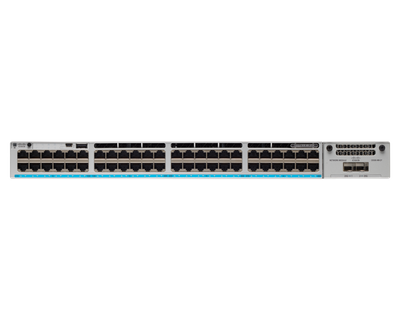
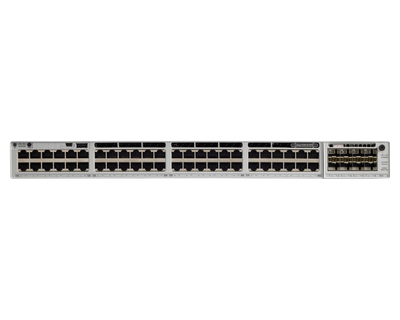
Featured Cloud-Managed Products
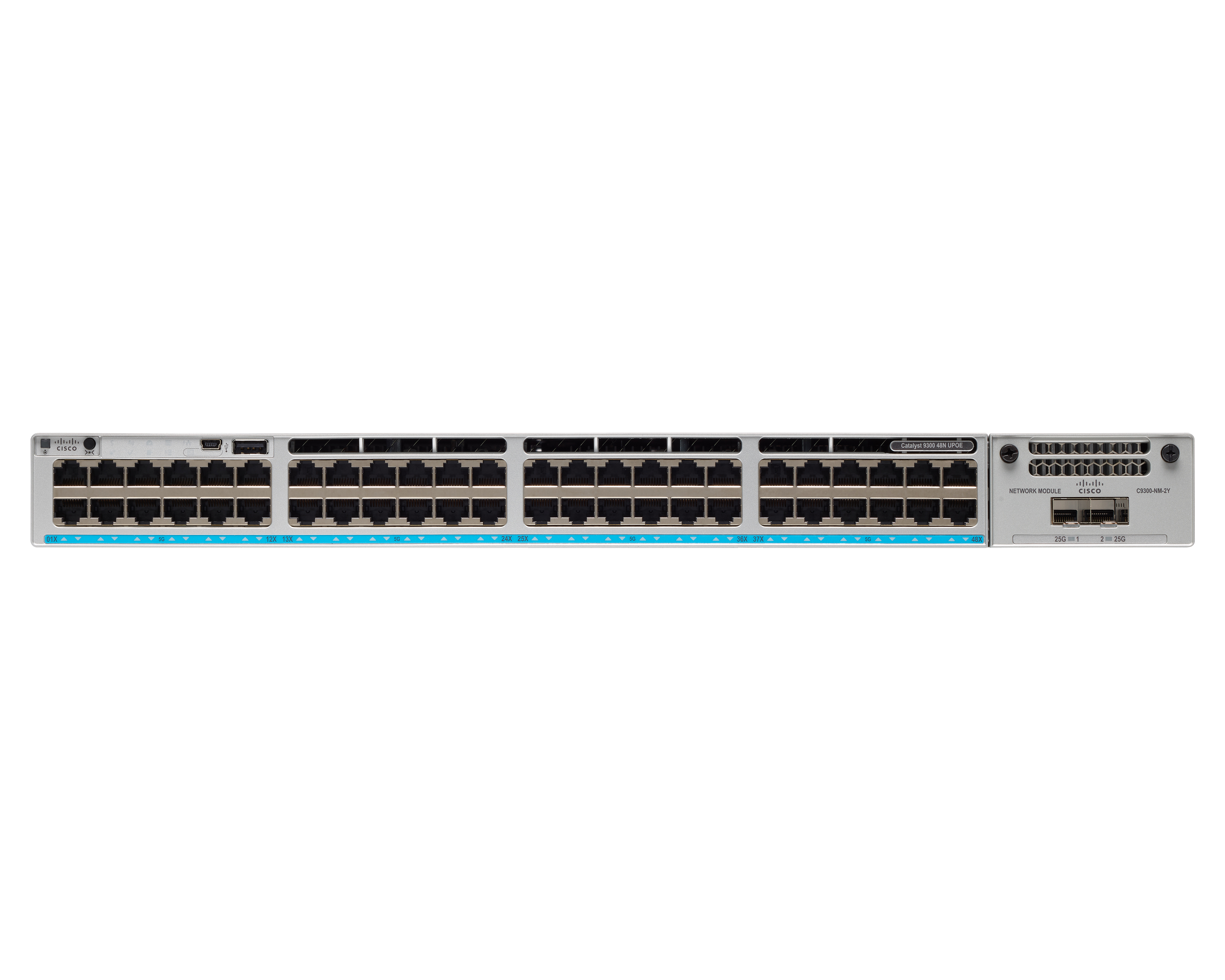
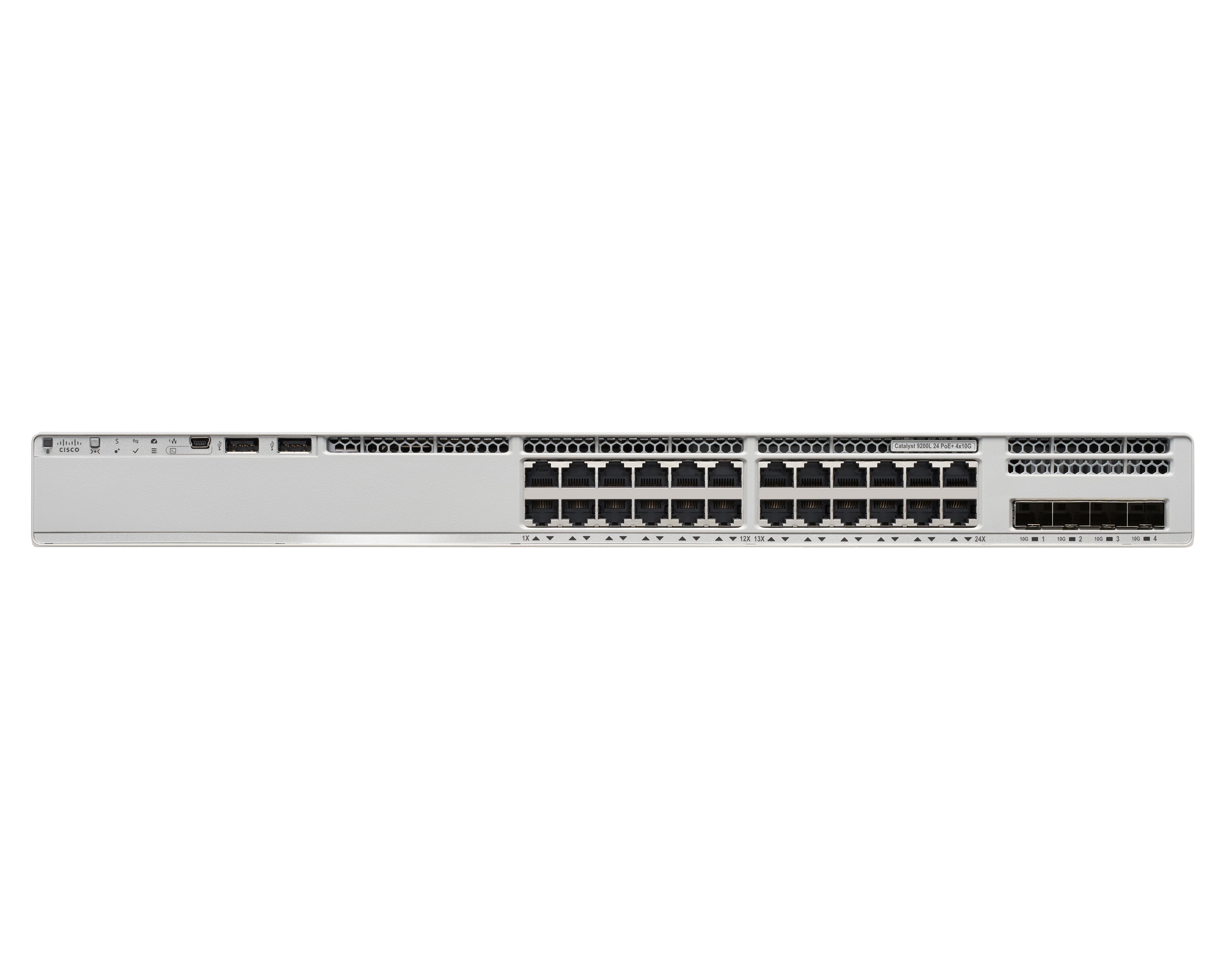
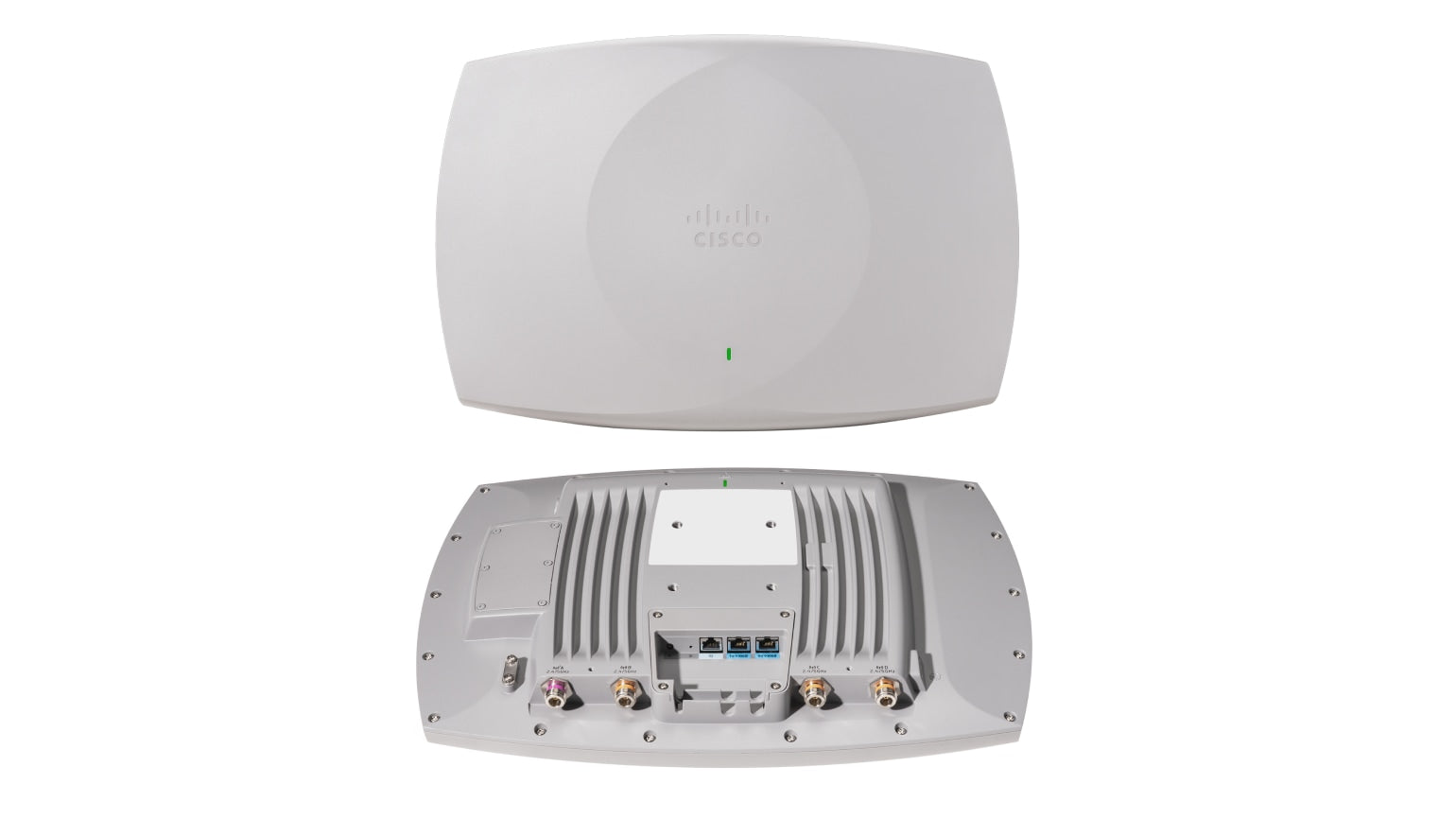
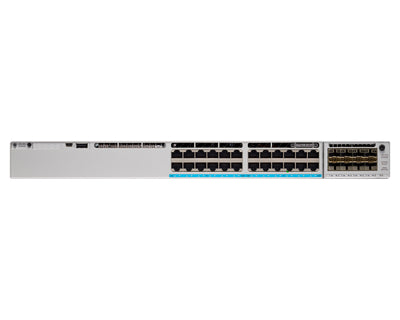
Cloud-managed switches and networking infrastructure by Cisco Meraki.

Seamless Integration with Your IT Stack
Meraki works alongside the collaboration, security, and productivity tools your team depends on.
- VPN integration with major identity providers
- SAML and RADIUS authentication support
- MDM and endpoint management compatibility
- Open APIs for custom automation workflows
Ready to simplify your network?
Discover how Cisco Meraki cloud-managed networking can transform your business IT infrastructure.
Contact Us